> ## Documentation Index
> Fetch the complete documentation index at: https://docs.reelevant.com/llms.txt
> Use this file to discover all available pages before exploring further.
# Logs
> Monitor datasource execution history with fetch, parse, and save logs
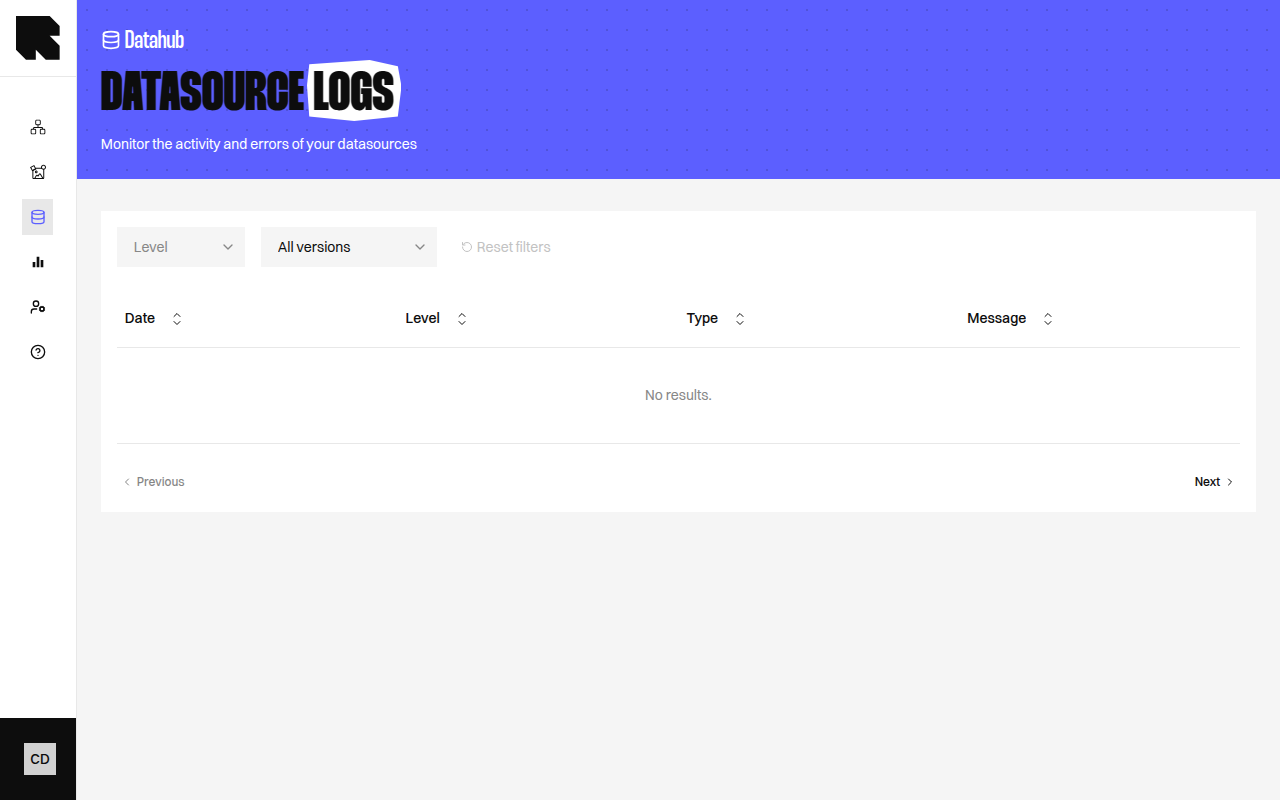 ## Overview
The Logs page displays the execution history of a datasource's data refresh cycles. Each refresh operation (fetch, parse, save) is logged with its status, timing, and any errors or warnings.
## Log Entries
Each log entry shows:
| Field | Description |
| ------------ | ---------------------------------------------------------- |
| **Document** | The source document or batch being processed. |
| **Line** | The line number in the source data (for row-level issues). |
| **Level** | Info, Warning, or Error. |
| **Message** | A description of the event or issue. |
## Filters
| Filter | Description |
| ---------------- | --------------------------------------------------------- |
| **Show only** | Filter by log level — show only Warning events or higher. |
| **Last update** | Filter by the last refresh version. |
| **Levels** | Filter by specific log levels (Info, Warning, Error). |
| **All versions** | Show logs from all refresh cycles, or only the latest. |
## Log Message Types
| Message | Description |
| -------------------------------- | ------------------------------------------------------------ |
| **Start Refresh** | The data refresh cycle has started. |
| **End Refresh** | The refresh cycle completed. |
| **entries have been updated** | Shows the total number of entries processed. |
| **Value is not a type** | A field value doesn't match its expected type. |
| **Impossible to locate address** | Geocoding failed for a location entry. |
| **Unable to locate the country** | Country geocoding failed. |
| **Entries drop rate too high** | A significant number of entries were lost between refreshes. |
| **Fields are missing** | Required field values are empty for an entry. |
| **New field detected** | A new field was found in the source data. |
| **Failed to pull data** | The data source could not be retrieved. |
Regularly check your logs after datasource updates. Warning and Error entries help you identify data quality issues before they affect your [workflows](/product-guide/workflows/overview).
## Overview
The Logs page displays the execution history of a datasource's data refresh cycles. Each refresh operation (fetch, parse, save) is logged with its status, timing, and any errors or warnings.
## Log Entries
Each log entry shows:
| Field | Description |
| ------------ | ---------------------------------------------------------- |
| **Document** | The source document or batch being processed. |
| **Line** | The line number in the source data (for row-level issues). |
| **Level** | Info, Warning, or Error. |
| **Message** | A description of the event or issue. |
## Filters
| Filter | Description |
| ---------------- | --------------------------------------------------------- |
| **Show only** | Filter by log level — show only Warning events or higher. |
| **Last update** | Filter by the last refresh version. |
| **Levels** | Filter by specific log levels (Info, Warning, Error). |
| **All versions** | Show logs from all refresh cycles, or only the latest. |
## Log Message Types
| Message | Description |
| -------------------------------- | ------------------------------------------------------------ |
| **Start Refresh** | The data refresh cycle has started. |
| **End Refresh** | The refresh cycle completed. |
| **entries have been updated** | Shows the total number of entries processed. |
| **Value is not a type** | A field value doesn't match its expected type. |
| **Impossible to locate address** | Geocoding failed for a location entry. |
| **Unable to locate the country** | Country geocoding failed. |
| **Entries drop rate too high** | A significant number of entries were lost between refreshes. |
| **Fields are missing** | Required field values are empty for an entry. |
| **New field detected** | A new field was found in the source data. |
| **Failed to pull data** | The data source could not be retrieved. |
Regularly check your logs after datasource updates. Warning and Error entries help you identify data quality issues before they affect your [workflows](/product-guide/workflows/overview).