> ## Documentation Index
> Fetch the complete documentation index at: https://docs.reelevant.com/llms.txt
> Use this file to discover all available pages before exploring further.
# Datasource Reference
> Use another existing datasource as a data source for a new datasource
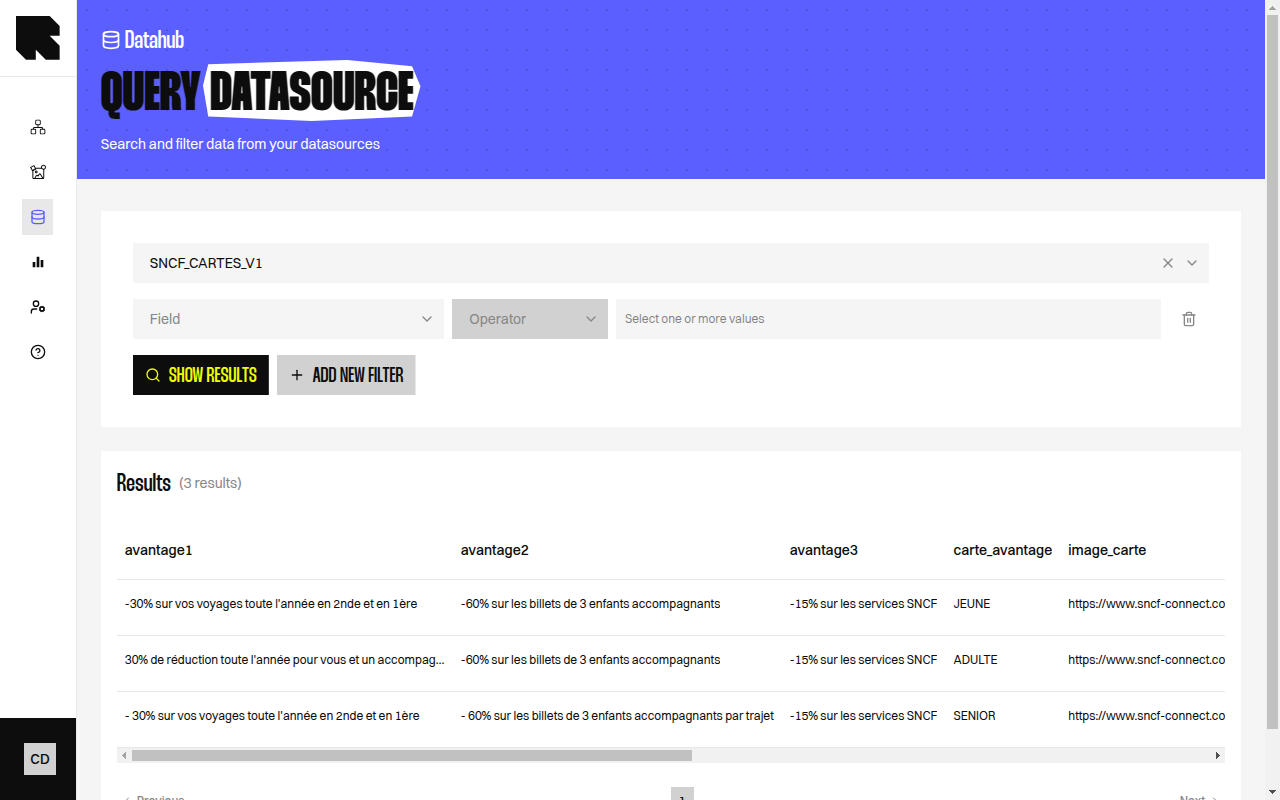 ## Overview
The Datasource Reference source type lets you create a new datasource that reads data from another existing datasource. This is the foundation for derived datasources that compute or combine data from multiple sources.
## Configuration
| Field | Description |
| ----- | --------------------------------------------------------------------- |
| `id` | The ID of an existing worker-mode datasource to use as a data source. |
Only **worker-mode** datasources (datasources that pull and store data) can be used as references. The referenced datasource must have a live version with data.
## Use Cases
Datasource references are used in several special configurations:
| Configuration | Description |
| -------------------------------- | ---------------------------------------------------------------------------------------------------------------------------------------- |
| **Merged Datasources** | Combine two datasources by joining them on a common field. See [Special Configurations](/advanced-guide/datahub/special-configurations). |
| **Best Products** | Compute top-performing products by combining a product catalog datasource with an analytics datasource. |
| **Top Attributes** | Identify preferred product attributes (brands, categories) per user based on behavioral data. |
| **Bought Together (Cross-sell)** | Identify products frequently purchased together. |
## How It Works
1. The new datasource reads data from the referenced datasource's live storage instead of an external source.
2. Fields from the referenced datasource are available for [mapping](/advanced-guide/datahub/field-mapping) in the new datasource.
3. When the referenced datasource updates, the dependent datasource can automatically refresh (depending on the configured refresh schedule).
You can chain datasource references to build multi-step data pipelines — for example, merge a product catalog with CRM data, then compute best products on the merged result.
## Overview
The Datasource Reference source type lets you create a new datasource that reads data from another existing datasource. This is the foundation for derived datasources that compute or combine data from multiple sources.
## Configuration
| Field | Description |
| ----- | --------------------------------------------------------------------- |
| `id` | The ID of an existing worker-mode datasource to use as a data source. |
Only **worker-mode** datasources (datasources that pull and store data) can be used as references. The referenced datasource must have a live version with data.
## Use Cases
Datasource references are used in several special configurations:
| Configuration | Description |
| -------------------------------- | ---------------------------------------------------------------------------------------------------------------------------------------- |
| **Merged Datasources** | Combine two datasources by joining them on a common field. See [Special Configurations](/advanced-guide/datahub/special-configurations). |
| **Best Products** | Compute top-performing products by combining a product catalog datasource with an analytics datasource. |
| **Top Attributes** | Identify preferred product attributes (brands, categories) per user based on behavioral data. |
| **Bought Together (Cross-sell)** | Identify products frequently purchased together. |
## How It Works
1. The new datasource reads data from the referenced datasource's live storage instead of an external source.
2. Fields from the referenced datasource are available for [mapping](/advanced-guide/datahub/field-mapping) in the new datasource.
3. When the referenced datasource updates, the dependent datasource can automatically refresh (depending on the configured refresh schedule).
You can chain datasource references to build multi-step data pipelines — for example, merge a product catalog with CRM data, then compute best products on the merged result.