> ## Documentation Index
> Fetch the complete documentation index at: https://docs.reelevant.com/llms.txt
> Use this file to discover all available pages before exploring further.
# Special Configurations
> Advanced datasource configurations — tracking, merge, GTM, API keys, and computed datasources
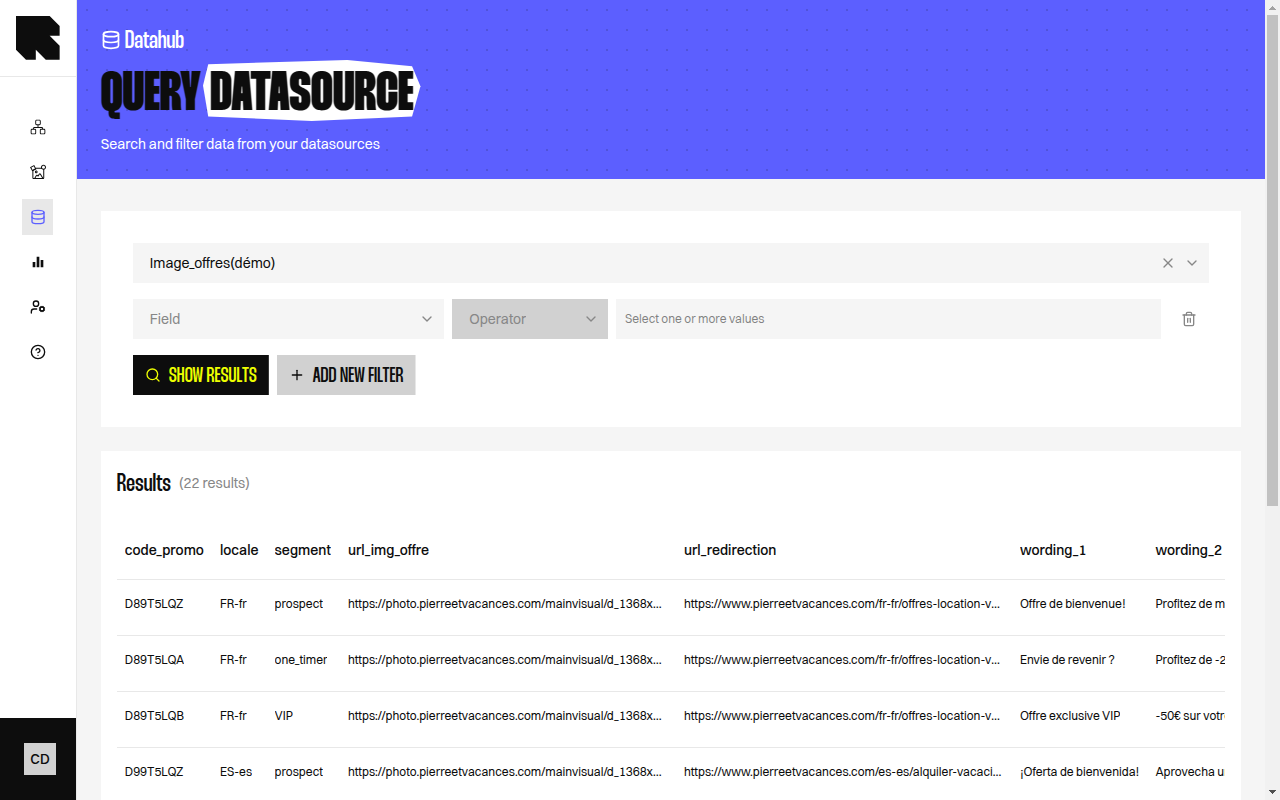 ## Overview
Some datasource types require additional configuration steps beyond the standard source and field mapping setup. This page documents these special configurations.
## Website Events (Reelevant Analytics)
The website events integration tracks user behavior on your website and stores it in Reelevant.
### Setup
1. In the configuration wizard, the **Configure Reelevant Script** step provides a JavaScript snippet.
2. Add the snippet to your website.
3. Perform a few navigations on your website to verify the integration.
4. Click **Validate** to confirm.
## Google Tag Manager
GTM integration lets you send website events through your existing tag management setup.
### Setup
The **Setup Google Tag Manager** step provides:
* A **datasource id** to use in your GTM tag configuration.
* A **company id** to use in your GTM tag configuration.
After configuring the tag in GTM, navigate your website and click **Validate**.
## API Key Integrations
Integrations like Partoo require an API key:
1. The **Configure an API Key** step provides instructions specific to the integration.
2. Enter your API key.
3. Click **Validate** to verify the connection.
## Best Products
The Best Products datasource computes which products perform best based on tracking events:
Select the product datasource that contains your product catalog.
Select the analytics datasource that contains tracking events.
Set the tracking event type and time range for the computation:
| Field | Description |
| ------------------- | -------------------------------------------------------- |
| **Tracking event** | The event type to analyze (e.g., purchases, page views). |
| **Timerange** | The period to consider for the computation. |
| **Use product ids** | Toggle to match by product IDs instead of reference IDs. |
Select the field in which you want to add the computed count.
## Merge Aggregation
A merge aggregation enriches the rows of one Datasource with fields taken from another Datasource, matched on a shared identifier. You configure it as an aggregation on the Datasource you want to enrich — you do not build or maintain a separate combined Datasource, and you query the enriched Datasource directly.
The Datasource you enrich (the **main** Datasource) keeps all of its rows and its own identifier. For each row, the merge aggregation looks up the matching record in the **dependency** Datasource and copies the selected fields onto that row. Rows with no match keep the merged fields empty.
A merge aggregation adds fields **from** the dependency Datasource **into** the main Datasource. It never removes or replaces the main Datasource's own rows.
The Datasource whose rows you want to enrich. Its row set and identifier are preserved.
The Datasource to pull additional fields from. Its fields become aggregation fields on the main Datasource, and you choose which to keep in the field mapping.
Choose the field on the main Datasource and the matching field on the dependency Datasource. A record from the dependency is merged when its key equals the main Datasource's key.
### Worked example
A product catalogue Datasource (the main Datasource) holds a product `id` and `name`. A pricing Datasource (the dependency) holds an `item_id` and a `value`. Mapping `id` to `item_id` merges the pricing fields onto each product row:
| id | name | item\_id | value |
| --- | ----- | --------- | --------- |
| A31 | Foo | A31 | 13 |
| A22 | Bar | A22 | 232 |
| A83 | Fobar | *(empty)* | *(empty)* |
The catalogue keeps all three products. `A83` has no matching price, so its merged fields stay empty.
The merge re-runs whenever the main or dependency Datasource refreshes, so the enriched fields stay up to date. A dependency Datasource cannot be deleted while a merge aggregation still depends on it.
### Via the API
You can add the merge aggregation to an existing Datasource directly, without creating a separate combined Datasource. `` is the main Datasource (the product catalogue) throughout.
First declare the merged field on the Datasource with the `configure_fields` step. The field pulled from the dependency carries `"source": "aggregation"`, while the Datasource's own fields keep `"source": "user"`:
```bash theme={"theme":{"light":"github-light","dark":"github-dark"}}
curl -XPOST https://api.reelevant.com/v2/datasources//steps \
-d '{
"name": "configure_fields",
"payload": [
{
"name": "id",
"type": "string",
"source": "user",
"selected": true,
"rulesPerSources": { "0": [{ "name": "path", "params": { "value": "id" } }] }
},
{
"name": "value",
"type": "number",
"source": "aggregation",
"selected": true,
"rulesPerSources": { "0": [{ "name": "path", "params": { "value": "value" } }] }
}
]
}'
```
Then attach the merge aggregation with the `patch` step. `datasourceId` inside the aggregation is the dependency Datasource (the pricing Datasource):
```bash theme={"theme":{"light":"github-light","dark":"github-dark"}}
curl -XPOST https://api.reelevant.com/v2/datasources//steps \
-d '{
"name": "patch",
"payload": {
"aggregationPipeline": [
{
"name": "merge",
"params": {
"datasourceId": "",
"fieldNames": ["value"],
"query": "{\"$and\":[{\"$or\":[{\"item_id\":{\"$eq\":{\"type\":\"path\",\"value\":\"id\"}}}]}]}"
}
}
]
}
}'
```
* Each merged field is declared with `"source": "aggregation"` in `configure_fields`, and its name listed in the `patch` step's `fieldNames`. Its `rulesPerSources` path reads the value from the matched dependency record.
* `query` maps the shared key: the dependency field (`item_id`) is matched against the main Datasource's field, referenced with `{ "type": "path", "value": "id" }`.
## Overview
Some datasource types require additional configuration steps beyond the standard source and field mapping setup. This page documents these special configurations.
## Website Events (Reelevant Analytics)
The website events integration tracks user behavior on your website and stores it in Reelevant.
### Setup
1. In the configuration wizard, the **Configure Reelevant Script** step provides a JavaScript snippet.
2. Add the snippet to your website.
3. Perform a few navigations on your website to verify the integration.
4. Click **Validate** to confirm.
## Google Tag Manager
GTM integration lets you send website events through your existing tag management setup.
### Setup
The **Setup Google Tag Manager** step provides:
* A **datasource id** to use in your GTM tag configuration.
* A **company id** to use in your GTM tag configuration.
After configuring the tag in GTM, navigate your website and click **Validate**.
## API Key Integrations
Integrations like Partoo require an API key:
1. The **Configure an API Key** step provides instructions specific to the integration.
2. Enter your API key.
3. Click **Validate** to verify the connection.
## Best Products
The Best Products datasource computes which products perform best based on tracking events:
Select the product datasource that contains your product catalog.
Select the analytics datasource that contains tracking events.
Set the tracking event type and time range for the computation:
| Field | Description |
| ------------------- | -------------------------------------------------------- |
| **Tracking event** | The event type to analyze (e.g., purchases, page views). |
| **Timerange** | The period to consider for the computation. |
| **Use product ids** | Toggle to match by product IDs instead of reference IDs. |
Select the field in which you want to add the computed count.
## Merge Aggregation
A merge aggregation enriches the rows of one Datasource with fields taken from another Datasource, matched on a shared identifier. You configure it as an aggregation on the Datasource you want to enrich — you do not build or maintain a separate combined Datasource, and you query the enriched Datasource directly.
The Datasource you enrich (the **main** Datasource) keeps all of its rows and its own identifier. For each row, the merge aggregation looks up the matching record in the **dependency** Datasource and copies the selected fields onto that row. Rows with no match keep the merged fields empty.
A merge aggregation adds fields **from** the dependency Datasource **into** the main Datasource. It never removes or replaces the main Datasource's own rows.
The Datasource whose rows you want to enrich. Its row set and identifier are preserved.
The Datasource to pull additional fields from. Its fields become aggregation fields on the main Datasource, and you choose which to keep in the field mapping.
Choose the field on the main Datasource and the matching field on the dependency Datasource. A record from the dependency is merged when its key equals the main Datasource's key.
### Worked example
A product catalogue Datasource (the main Datasource) holds a product `id` and `name`. A pricing Datasource (the dependency) holds an `item_id` and a `value`. Mapping `id` to `item_id` merges the pricing fields onto each product row:
| id | name | item\_id | value |
| --- | ----- | --------- | --------- |
| A31 | Foo | A31 | 13 |
| A22 | Bar | A22 | 232 |
| A83 | Fobar | *(empty)* | *(empty)* |
The catalogue keeps all three products. `A83` has no matching price, so its merged fields stay empty.
The merge re-runs whenever the main or dependency Datasource refreshes, so the enriched fields stay up to date. A dependency Datasource cannot be deleted while a merge aggregation still depends on it.
### Via the API
You can add the merge aggregation to an existing Datasource directly, without creating a separate combined Datasource. `` is the main Datasource (the product catalogue) throughout.
First declare the merged field on the Datasource with the `configure_fields` step. The field pulled from the dependency carries `"source": "aggregation"`, while the Datasource's own fields keep `"source": "user"`:
```bash theme={"theme":{"light":"github-light","dark":"github-dark"}}
curl -XPOST https://api.reelevant.com/v2/datasources//steps \
-d '{
"name": "configure_fields",
"payload": [
{
"name": "id",
"type": "string",
"source": "user",
"selected": true,
"rulesPerSources": { "0": [{ "name": "path", "params": { "value": "id" } }] }
},
{
"name": "value",
"type": "number",
"source": "aggregation",
"selected": true,
"rulesPerSources": { "0": [{ "name": "path", "params": { "value": "value" } }] }
}
]
}'
```
Then attach the merge aggregation with the `patch` step. `datasourceId` inside the aggregation is the dependency Datasource (the pricing Datasource):
```bash theme={"theme":{"light":"github-light","dark":"github-dark"}}
curl -XPOST https://api.reelevant.com/v2/datasources//steps \
-d '{
"name": "patch",
"payload": {
"aggregationPipeline": [
{
"name": "merge",
"params": {
"datasourceId": "",
"fieldNames": ["value"],
"query": "{\"$and\":[{\"$or\":[{\"item_id\":{\"$eq\":{\"type\":\"path\",\"value\":\"id\"}}}]}]}"
}
}
]
}
}'
```
* Each merged field is declared with `"source": "aggregation"` in `configure_fields`, and its name listed in the `patch` step's `fieldNames`. Its `rulesPerSources` path reads the value from the matched dependency record.
* `query` maps the shared key: the dependency field (`item_id`) is matched against the main Datasource's field, referenced with `{ "type": "path", "value": "id" }`.