> ## Documentation Index
> Fetch the complete documentation index at: https://docs.reelevant.com/llms.txt
> Use this file to discover all available pages before exploring further.
# Web Image
> Render personalized images for display on websites
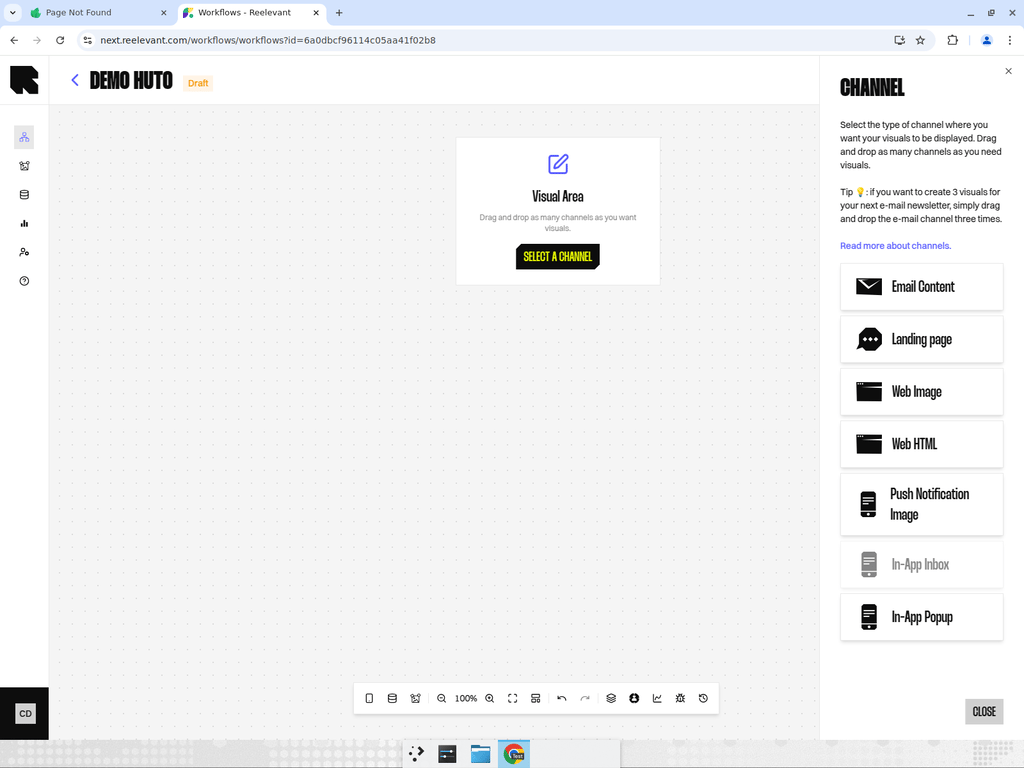 ## Overview
The Web Image channel renders a personalized image for display on websites. The output is a dynamically generated image that can be embedded in any web page.
| Property | Value |
| ----------------- | ----------------------------------------------------------- |
| **Channel type** | Web |
| **Output format** | Website image |
| **Use case** | Hero banners, sidebar recommendations, personalized widgets |
## How It Works
When a visitor loads a page containing a Reelevant Web Image zone, the workflow executes in real time. The engine evaluates the user's context and returns a personalized image.
The image is served as a standard `
## Overview
The Web Image channel renders a personalized image for display on websites. The output is a dynamically generated image that can be embedded in any web page.
| Property | Value |
| ----------------- | ----------------------------------------------------------- |
| **Channel type** | Web |
| **Output format** | Website image |
| **Use case** | Hero banners, sidebar recommendations, personalized widgets |
## How It Works
When a visitor loads a page containing a Reelevant Web Image zone, the workflow executes in real time. The engine evaluates the user's context and returns a personalized image.
The image is served as a standard `![]() ` tag, making it compatible with any website or CMS.
## Configuration
1. Add a Web Image channel node to your workflow canvas.
2. Connect it downstream to your personalization logic.
3. After publishing, use the [Integration modal](/product-guide/workflows/integration) to get the image embed URL.
## Best Practices
* Web Image is ideal for scenarios where you need a single visual element that adapts to each user.
* For interactive or responsive content, consider using [Web HTML](/product-guide/workflows/channels/web-html) instead.
* Use [URL parameters](/product-guide/workflows/data-nodes/url-parameter) to pass page context (e.g., product category, user segment) into the workflow.
` tag, making it compatible with any website or CMS.
## Configuration
1. Add a Web Image channel node to your workflow canvas.
2. Connect it downstream to your personalization logic.
3. After publishing, use the [Integration modal](/product-guide/workflows/integration) to get the image embed URL.
## Best Practices
* Web Image is ideal for scenarios where you need a single visual element that adapts to each user.
* For interactive or responsive content, consider using [Web HTML](/product-guide/workflows/channels/web-html) instead.
* Use [URL parameters](/product-guide/workflows/data-nodes/url-parameter) to pass page context (e.g., product category, user segment) into the workflow.