

Overview
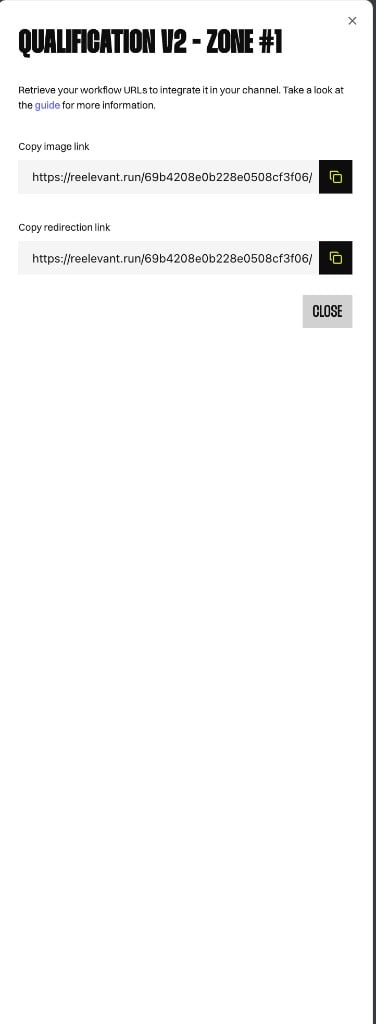
The browser extension does not let you configure workflow integrations. Instead, it provides integration instructions — ready-to-use URLs you can copy into your channel or website. Open integration instructions from a workflow’s channel list in the side panel. The modal shows the channel name and zone (for example,QUALIFICATION V2 - ZONE #1) along with the URLs needed to integrate that workflow.
Integration URLs
Each channel exposes two URLs:
Click the copy button next to each field to copy the URL to your clipboard. URLs follow the format
https://reelevant.run/{workflowId}/.
Using the URLs
Paste the copied URLs into your channel configuration:- Email or push campaigns — use the image link as the creative source and the redirection link as the call-to-action target.
- Third-party tools — embed the image link wherever your platform accepts an external image URL.
- Manual HTML integration — use the URLs with the Reelevant tracking script. See Client Side Script for script tag and zone-based integration.