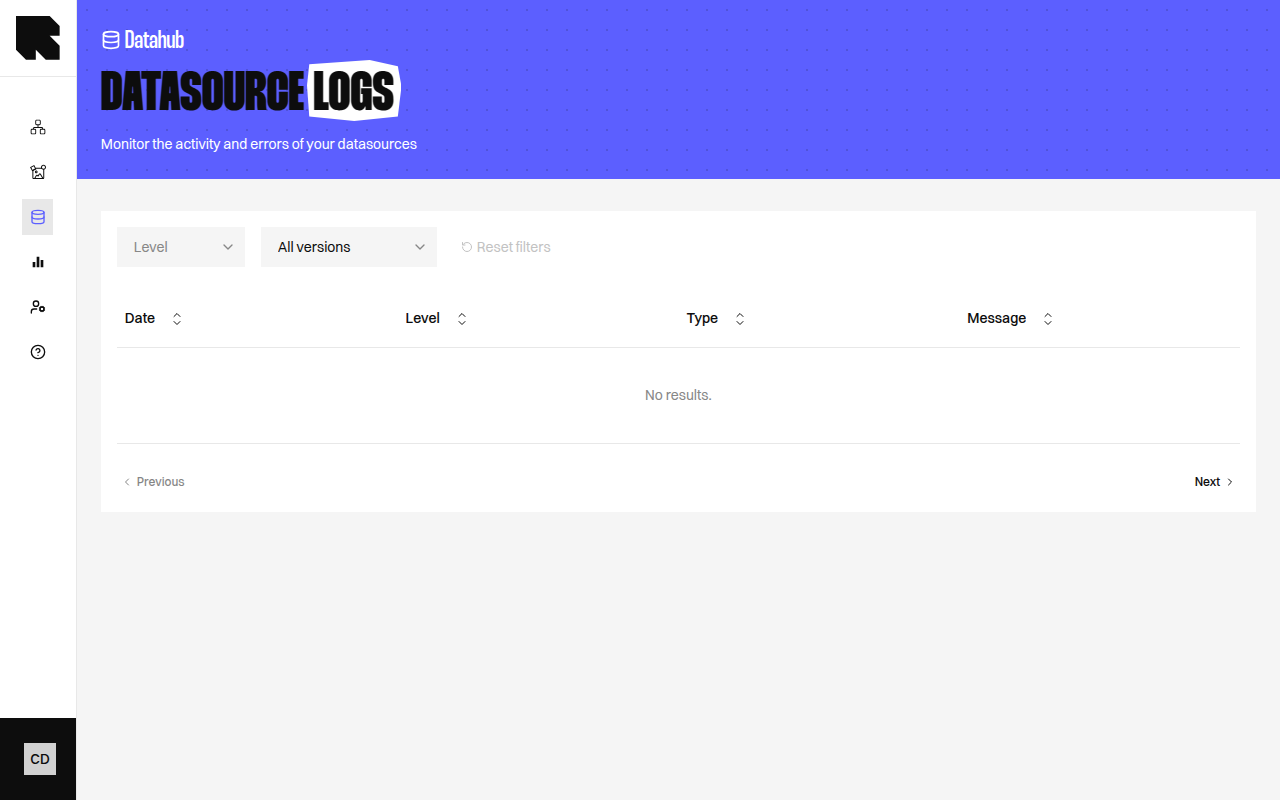
Logs page showing execution entries with status and details

Overview

The Logs page displays the execution history of a datasource’s data refresh cycles. Each refresh operation (fetch, parse, save) is logged with its status, timing, and any errors or warnings.

Log Entries

Each log entry shows:
FieldDescription
DocumentThe source document or batch being processed.
LineThe line number in the source data (for row-level issues).
LevelInfo, Warning, or Error.
MessageA description of the event or issue.

Filters

FilterDescription
Show onlyFilter by log level — show only Warning events or higher.
Last updateFilter by the last refresh version.
LevelsFilter by specific log levels (Info, Warning, Error).
All versionsShow logs from all refresh cycles, or only the latest.

Log Message Types

MessageDescription
Start RefreshThe data refresh cycle has started.
End RefreshThe refresh cycle completed.
entries have been updatedShows the total number of entries processed.
Value is not a typeA field value doesn’t match its expected type.
Impossible to locate addressGeocoding failed for a location entry.
Unable to locate the countryCountry geocoding failed.
Entries drop rate too highA significant number of entries were lost between refreshes.
Fields are missingRequired field values are empty for an entry.
New field detectedA new field was found in the source data.
Failed to pull dataThe data source could not be retrieved.
Regularly check your logs after datasource updates. Warning and Error entries help you identify data quality issues before they affect your workflows.