Overview
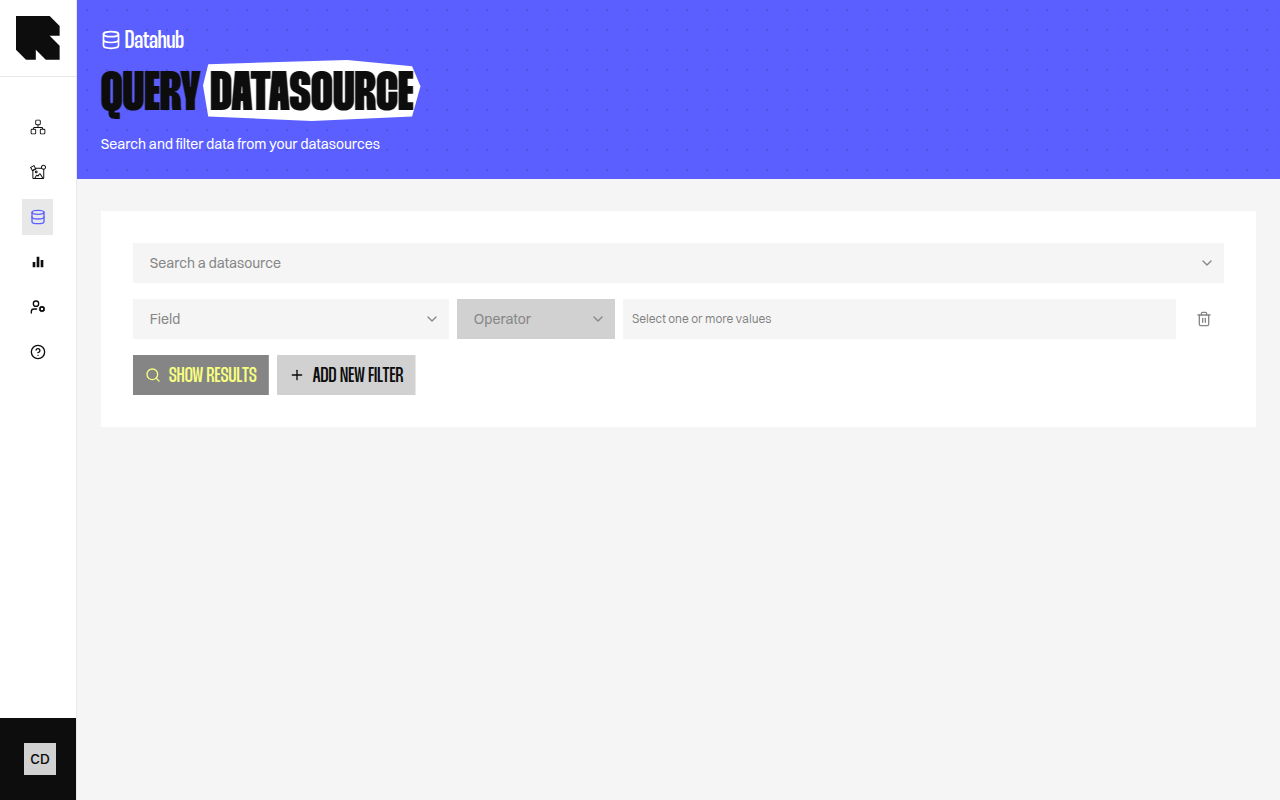
The Queries page lets you search and browse the data stored in a datasource. Use it to verify that your data was imported correctly, test filters, or explore specific records.
Searching
Select a datasource from the dropdown to load its data. Use the search controls to find specific records:
| Control | Description |
|---|
| Search a datasource | Select the datasource to query. |
| Show results | Load the datasource data. |
| Clear search | Reset all filters and search criteria. |
Filters
Click Add new filter to create filter rules:
| Field | Description |
|---|
| Criteria | Select the field to filter on. |
| Operator | Choose a comparison operator (equals, contains, etc.). |
| Value | Enter the value to filter by. |
Multiple filters can be combined.
Address Search
For Location datasources, an address search is available:
| Field | Description |
|---|
| Enter address | Type an address to search for nearby locations. |
| Distance | The search radius. |
Results
Results are displayed in a table view or a map view:
| Tab | Description |
|---|
| Table | A paginated table showing all matching records with their field values. |
| Map | A map view showing location-based results (available for location datasources). |
Results are limited to 1,000 records. If your datasource has more entries, use filters to narrow the results.
Result Annotations
Some fields may have special annotations:
| Annotation | Description |
|---|
| Transformed | The field value has been transformed by Reelevant (e.g., geocoding). |
| Renamed | The field has been renamed from its original source name. |
| Merge aggregation | The field was added from a merged datasource. |
| Count aggregation | The field was computed by Reelevant (e.g., purchase count). |
Editable Datasources
For Editable datasource types, the queries page includes additional controls:
| Action | Description |
|---|
| Add row | Manually add a data row. |
| Import file | Upload a file to bulk-import data into the datasource. |
The import file flow includes three steps: upload, verify data, and send. You can toggle Reset data to replace all existing data.