

Overview
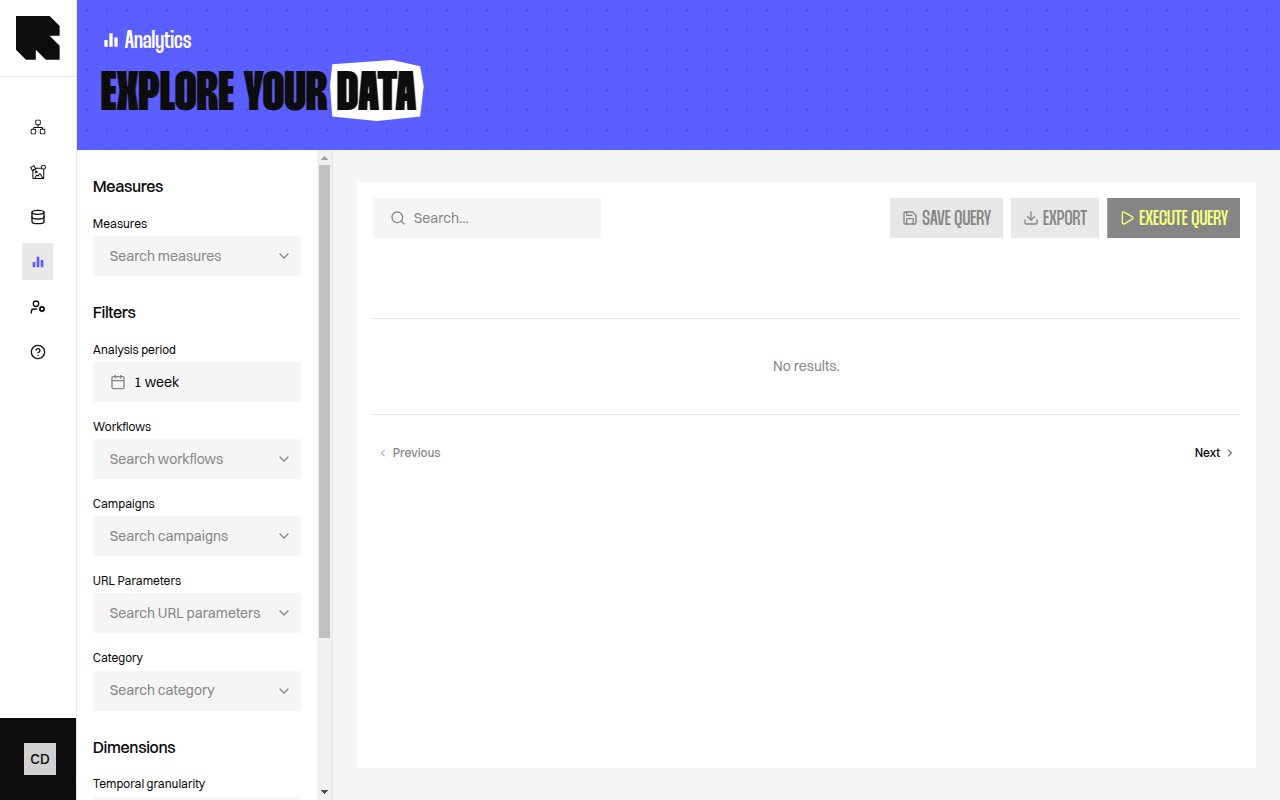
This reference lists the measures and dimensions you can use in Data Exploration.Measures
Workflow event measures
Purchase event measures
Derived measures
Dimensions
Workflow event dimensions
Execution return code values
This dimension tells you whether the Runner (the service that builds your Content) finished the Workflow. Most rows are empty, which means everything went well.
A high share of 3501 or 3502 usually points to a Datasource that stopped answering. Share the Workflow name and the code with your Technical Account Manager.
Purchase event dimensions
Category dimensions
Tag dimensions
URL & workflow dimensions
Temporal granularity
Combining measures and dimensions
When you use Workflow Branch, add Content Name or Workflow Name too. That keeps the result easier to read.
When you use URL Parameter Value, add a URL parameter filter. That keeps the results focused on one parameter.
For a fuller view of open-time behaviour, see Email client caching and proxies.
What’s Next?
Data Exploration
Build custom analytics with measures, dimensions, and filters.
Saved Queries
Save and reuse report setups for recurring analysis.
Dashboards
Compare these figures with your pre-built dashboards.