

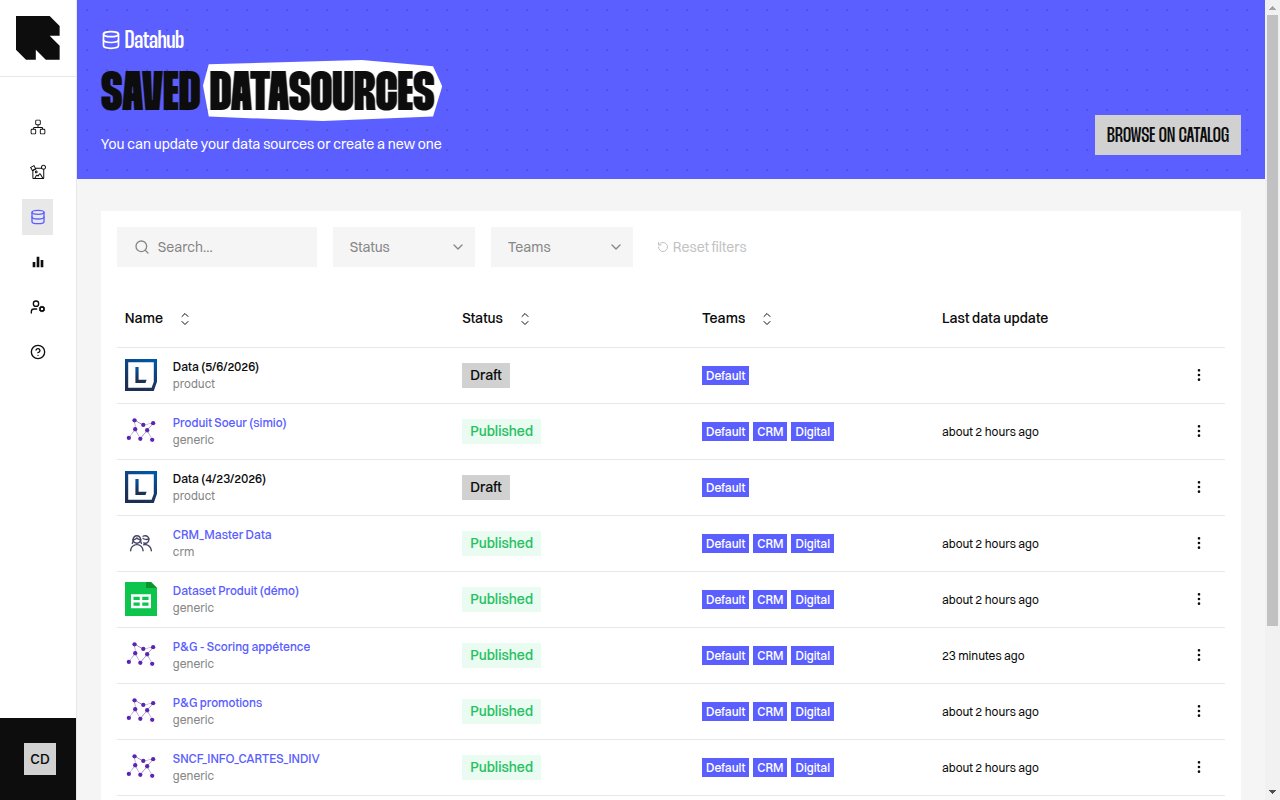
Datasource Listing
The listing page displays all your saved datasources in a table. Access it from the DataHub sidebar navigation.Table Columns
Filters
The hierarchy breadcrumbs let you navigate through folder levels.
Status Indicators
Hover over a status indicator to see a detailed tooltip explaining the current state.
Actions
The actions menu (three dots) on each row provides:Error Alerts
When datasources have issues, alert banners appear at the top of the listing:- Datasources in error — Shows how many datasources failed with a link to view the errors.
- Missing fields — Detected fields that are not present in the datasource, with a quick action to add them.