

What is Account Management?
Account Management is the Reelevant platform’s administration center. It provides tools for managing who can access the platform, what they can do, and how resources are organized across teams.Key Concepts
How It All Fits Together
The permission system works in three layers:- Roles define what actions a user can perform (e.g., create workflows, read statistics).
- Teams define which resources a user can access (e.g., only resources in the “Marketing” team).
- Company isolation ensures users can only access data within their own organization.
Sections
Permissions
Understand how the permission system controls access to platform resources.
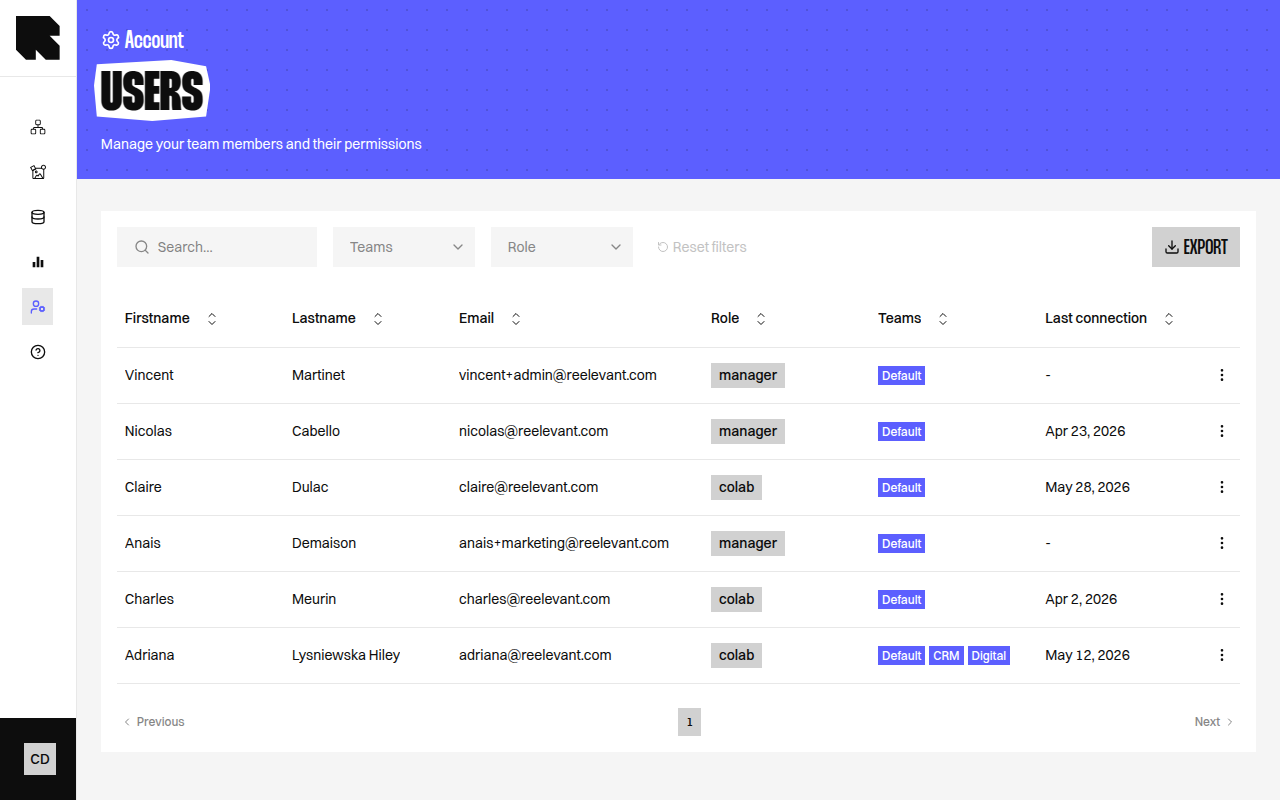
Users
Invite, edit, and manage platform users.
Roles
Create and configure roles with granular permissions.
Teams
Organize users into hierarchical teams for access control.
Single sign-on (SAML)
Let people log in with your own identity provider.
Automatic provisioning (SCIM)
Let your identity provider create, update, and remove accounts automatically.
Audit log
Read what happened to accounts, and when.