Documentation IndexFetch the complete documentation index at: /llms.txtUse this file to discover all available pages before exploring further.
Fetch the complete documentation index at: /llms.txt
Use this file to discover all available pages before exploring further.
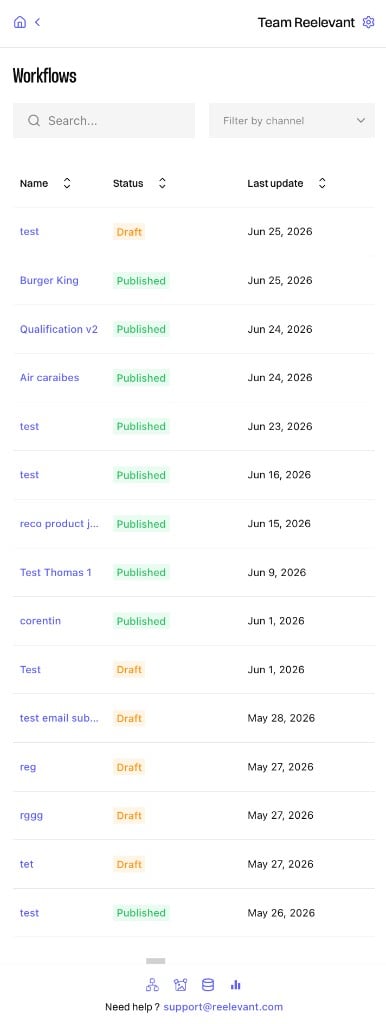
Browse your workflow list and view workflow details from the browser extension side panel
Was this page helpful?
Contact support