

What Counts as Consumption
Reelevant bills usage using the activity generated by your Workflows. Your plan counts impressions or reached individuals.
Your plan counts one of these two:
Open the Usage Dashboard
You follow your consumption on the Usage dashboard, a dedicated page in the Analytics app.- Open Analytics from the main navigation.
- Select Dashboards.
- Choose Usage.
Read Your Consumption
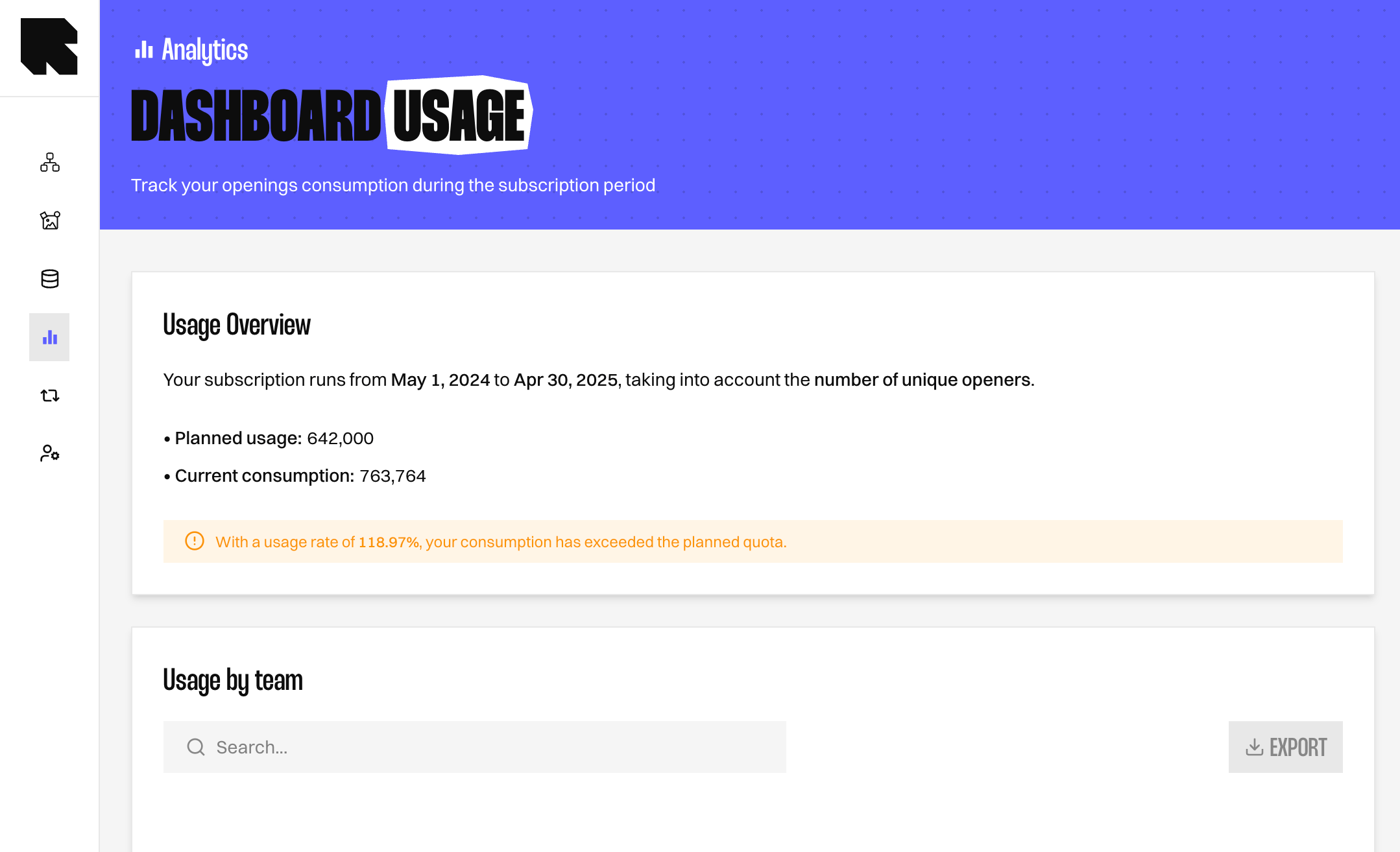
The consumption card at the top shows where you stand for the current period.
A coloured banner tells you how close you are to your plan limit.
Break Down Your Consumption
Two tables under the card show where your consumption comes from. Each row shows one value, so nothing is grouped together.What’s Next?
Usage Dashboard
Review every field on the Usage dashboard in detail.
Measures and Dimensions
See how impressions and reached individuals are defined in the analytics reference.
Data Exploration
Build your own breakdown of consumption with measures and dimensions.