

Overview
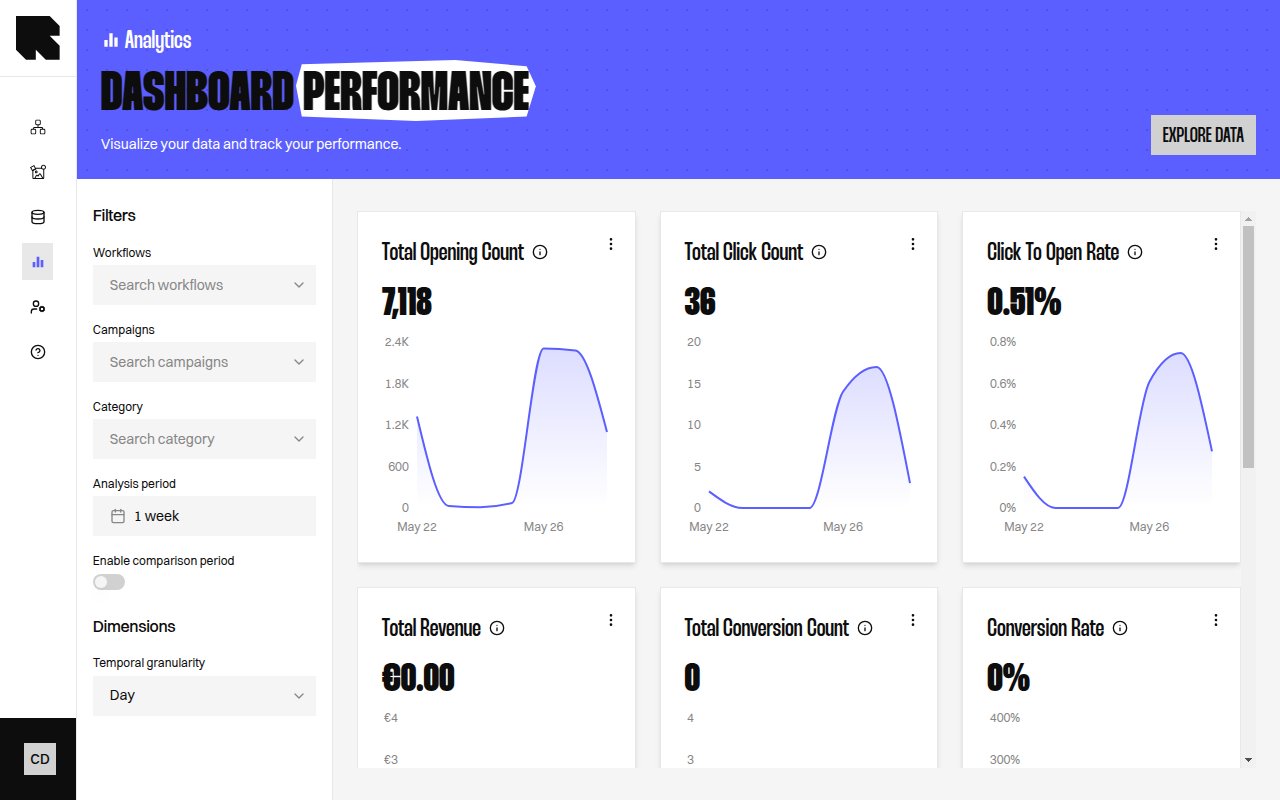
The Dashboards page provides pre-built visualizations for your campaign data. Each dashboard focuses on a specific aspect of performance and can be filtered by workflow, campaign, branch category, and date range.Dashboard Filters
All dashboards share a common filter bar at the top:Uplift, Customer Impact and Adoption open on the last three months instead. These dashboards compare groups of customers, which needs a longer period to hold enough purchases. Customer Impact refuses any period shorter than one month.
Available Dashboards
Performance
Impressions, clicks, CTR, and content generation metrics.
Audience & Interactions
Reached individuals, impressions, clickers, and engagement rates.
Individualization
Personalization lift — individualized vs. default content metrics.
Conversions
Conversion tracking, revenue, and attribution metrics.
Uplift
Incremental value from personalization — click, conversion, and revenue uplift.
Usage
Subscription consumption — impressions or reached individuals, quota, and usage by team.