

Overview
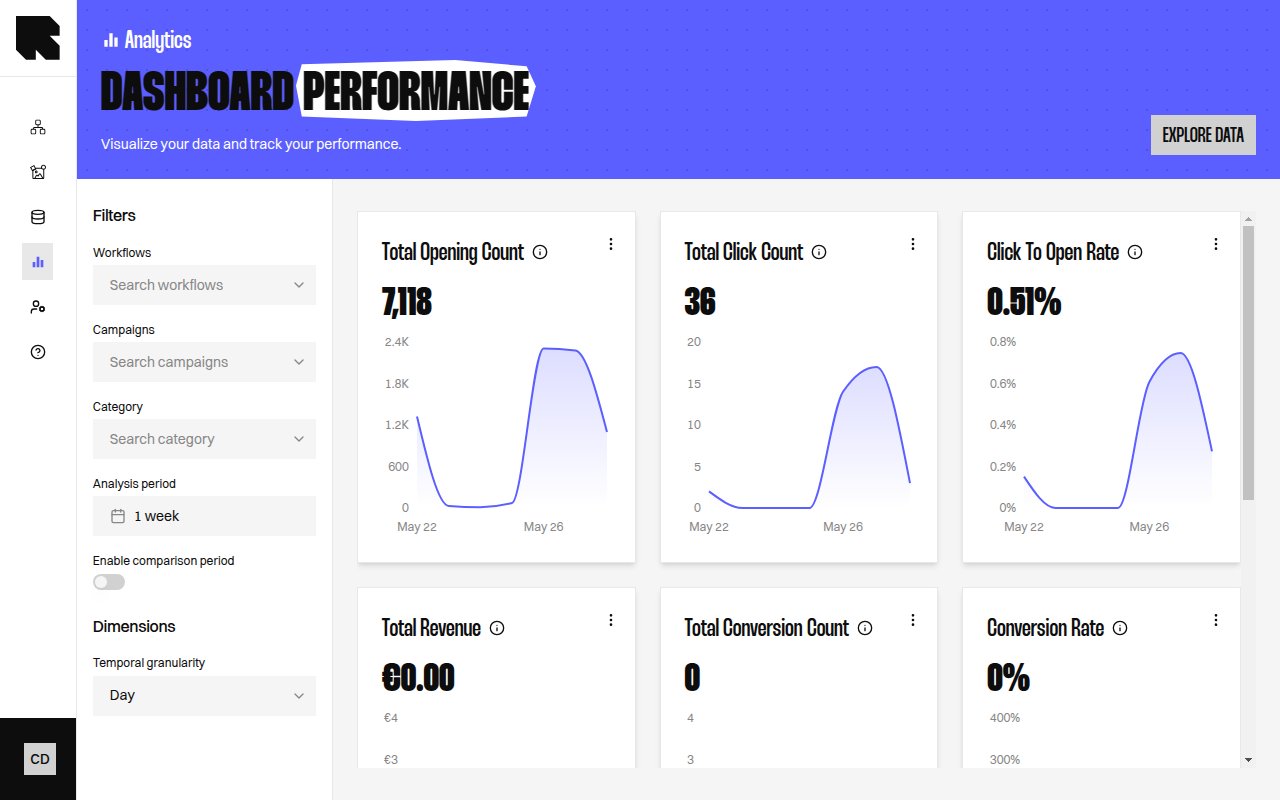
The Performance dashboard provides a high-level view of how your workflows are performing in terms of content delivery and user engagement.Key Metrics
How to Read This Dashboard
- Total Display Count tells you how many times your content was shown to users.
- Total Click Count measures direct engagement with your content.
- Click Rate (Per Impression) indicates how often an impression leads to a click.
- Average Content Generation Duration helps monitor rendering performance.