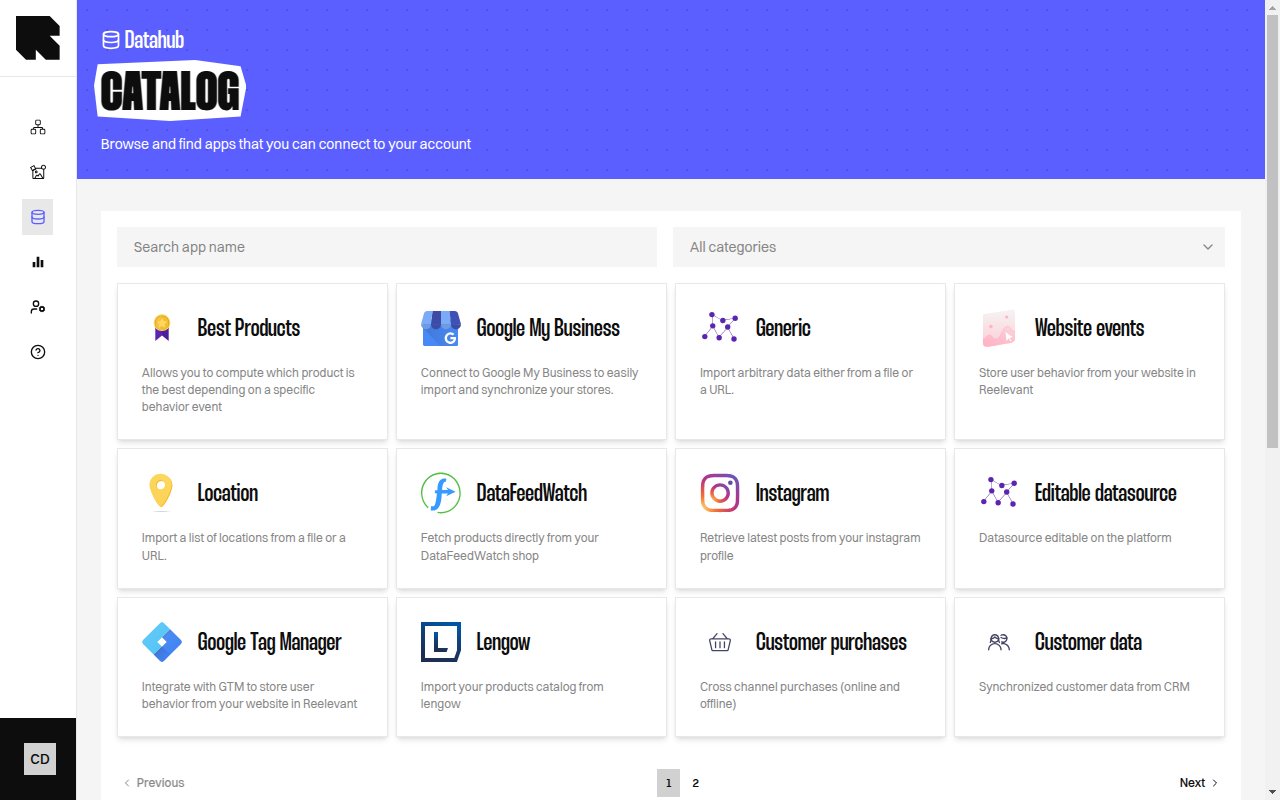
DataHub catalog page showing datasource type cards

Overview

The Catalog is the starting point for adding new datasources. It presents a gallery of available integrations organized by category. Each card shows a brief description of the integration and a Connect button to begin the setup wizard.

Browsing the Catalog

Use the controls at the top of the catalog to find the integration you need:
ControlDescription
Category filterFilter by category — All categories, Product, Location, Generic, Analytics, Social.
SearchSearch by app name to quickly find a specific integration.

Available Integrations

Product

IntegrationDescription
ProductImport your product data from a file or a URL.
Shopify ProductsConnect to your Shopify and retrieve all products.
Best ProductsCompute which product is the best depending on a specific behavior event.
Cross sellCompute a cross sell based on bought-together strategy.
Top product attributesCompute the top brand/categories for each user.
Multi-country product datasourcesCreate one datasource with one product feed for each country.
LengowImport your products catalog from Lengow.
DataFeedWatchFetch products directly from your DataFeedWatch shop.
Merge two datasourcesAdd data from another datasource into product data.

Location

IntegrationDescription
LocationImport a list of locations from a file or a URL.
Google My BusinessConnect to Google My Business to import and synchronize your stores.
PartooImport and synchronize stores from your Partoo account.

Generic

IntegrationDescription
GenericImport arbitrary data either from a file or a URL.
BigQuerySynchronize data from BigQuery table into Reelevant.
SnowflakeSynchronize tables from Snowflake into Reelevant.
Google SheetsImport data from a public Google Sheet.
Editable datasourceDatasource editable directly on the platform.

Analytics

IntegrationDescription
Website eventsStore user behavior from your website in Reelevant.
Google Tag ManagerIntegrate with GTM to store user behavior from your website.
Shopify Website EventsConnect website events from your Shopify shop directly.
Customer purchasesCross channel purchases (online and offline).
Customer dataSynchronized customer data from CRM.
Some integrations may not be available depending on your subscription plan. Contact your Customer Success Manager to access more integrations.

Connecting a Datasource

Click Connect on any catalog card to start the creation wizard. The wizard guides you through source configuration, field mapping, and validation.