

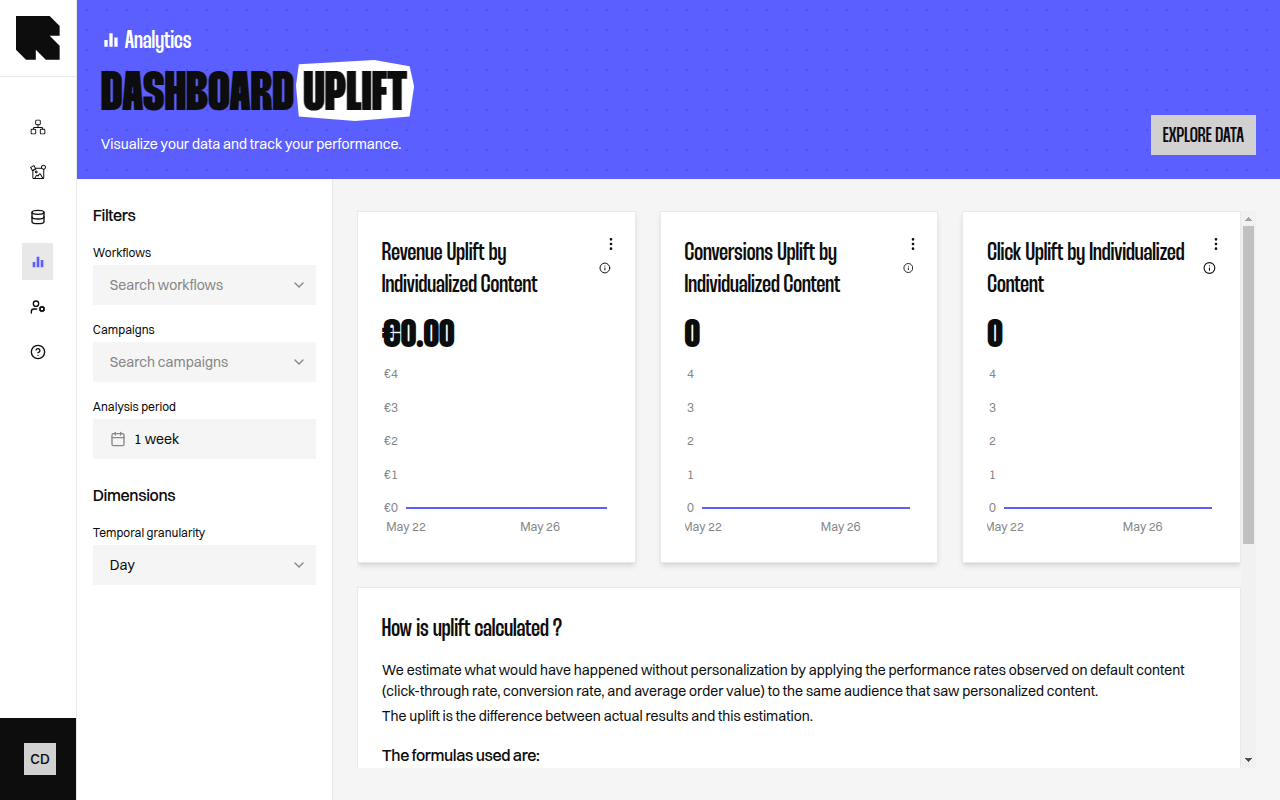
Overview
The Uplift dashboard measures the incremental value that personalization brings compared to what would have happened with only default (non-personalized) content. It answers the question: “How much additional value did individualization generate?” The dashboard opens on the last three months, so the estimation rests on enough activity. You can still pick any other period.Key Metrics
Uplift Breakdown
The dashboard includes a breakdown table comparing actual results against an “Without individualization” estimation row:How is Uplift Calculated?
The platform estimates what would have happened without personalization by applying the performance rates observed on default content to the same audience that saw personalized content:
The uplift is the difference between actual results and this estimation.
Uplift calculations require sufficient data in both individualized and default branches. If your workflows have very low traffic on default branches, the estimation may be less reliable.