

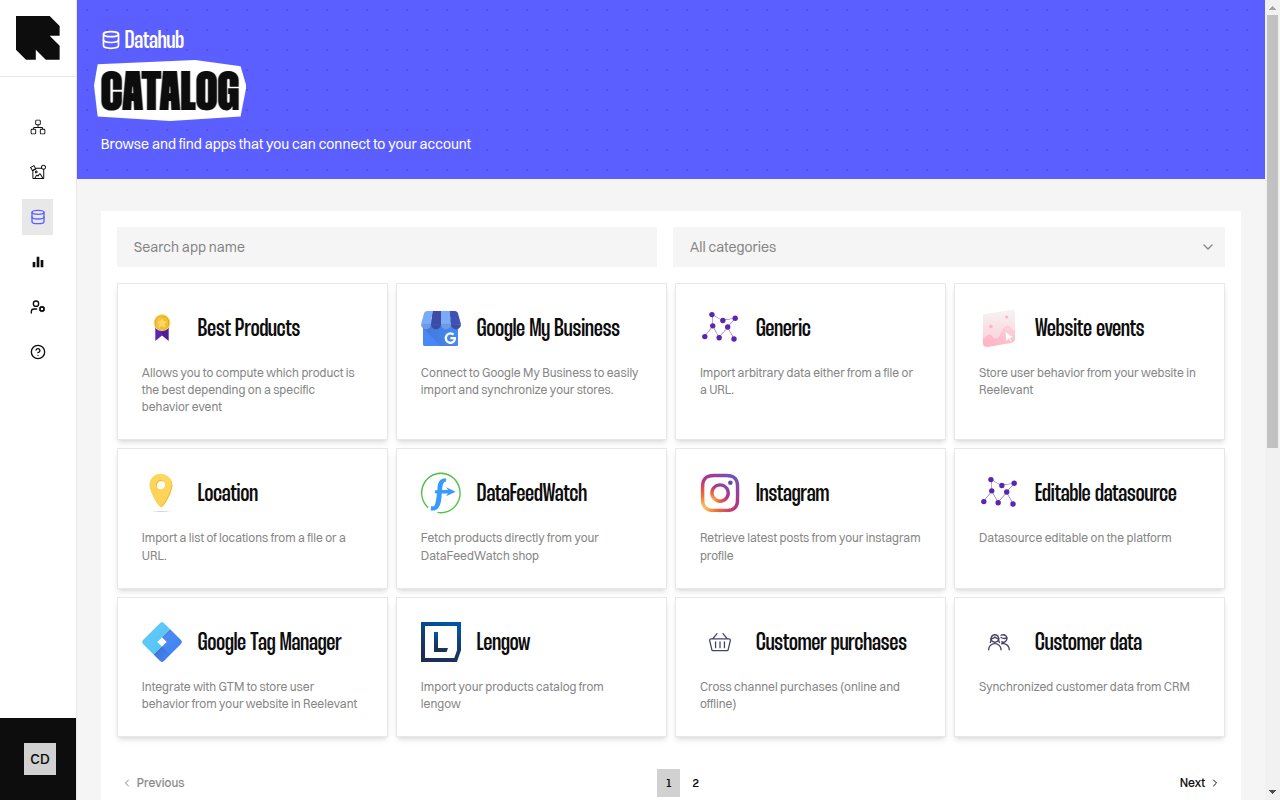
Overview
When creating a datasource, you select a source type that defines how Reelevant retrieves the data. Each source type has its own configuration fields and capabilities.Available Connectors
URL
Fetch data from any HTTP/HTTPS endpoint — APIs, hosted files, or data feeds. Supports custom methods, headers, pagination, OAuth, and runtime variables.
File Upload
Upload a data file directly from your computer. Supports CSV, JSON, XML, Parquet, Avro, and XLSX.
FTP & SFTP
Connect to FTP or SFTP servers. Supports password and private key authentication, wildcard paths, and multiple file processing modes.
BigQuery
Synchronize data from Google BigQuery. Supports service account and OAuth authentication, custom SQL queries, and incremental sync.
Snowflake
Synchronize tables from Snowflake. Supports password and key-pair authentication, custom SQL queries, and incremental sync.
Google Cloud Storage
Retrieve files from GCS buckets. Supports wildcard paths, multiple file processing modes, and all common file formats.
Amazon S3
Retrieve files from S3 or S3-compatible storage (MinIO, DigitalOcean Spaces, etc.). Supports wildcard paths and all common file formats.
Kafka
Stream data from Apache Kafka topics. Supports SASL authentication, Schema Registry (Avro), and batch or continuous consumption.
Datasource Reference
Reference another existing datasource as a data source for derived computations (merge, best products, cross-sell).
Supported File Formats
File-based connectors (URL, File Upload, FTP/SFTP, GCS, S3) automatically detect the file format. The following formats are supported across all file-based sources:Compressed files (
.gz, .zip) are automatically decompressed before parsing for all file-based sources.File-based connectors (URL, FTP/SFTP, GCS, S3) also support PGP decryption — encrypted files (
.asc, .pgp, .gpg) are decrypted transparently during import when pgpPrivateKey is configured.Multiple Sources
Some datasource types support multiple sources. You can add several source configurations (e.g., multiple URLs or FTP paths) to a single datasource using the Add a source button. Each source is processed independently, and the results are combined. Use Delete the source to remove individual source configurations.Outbound Datasource fetches originate from the Reelevant public IPs. Allow those addresses if the remote host restricts inbound traffic.