

Overview
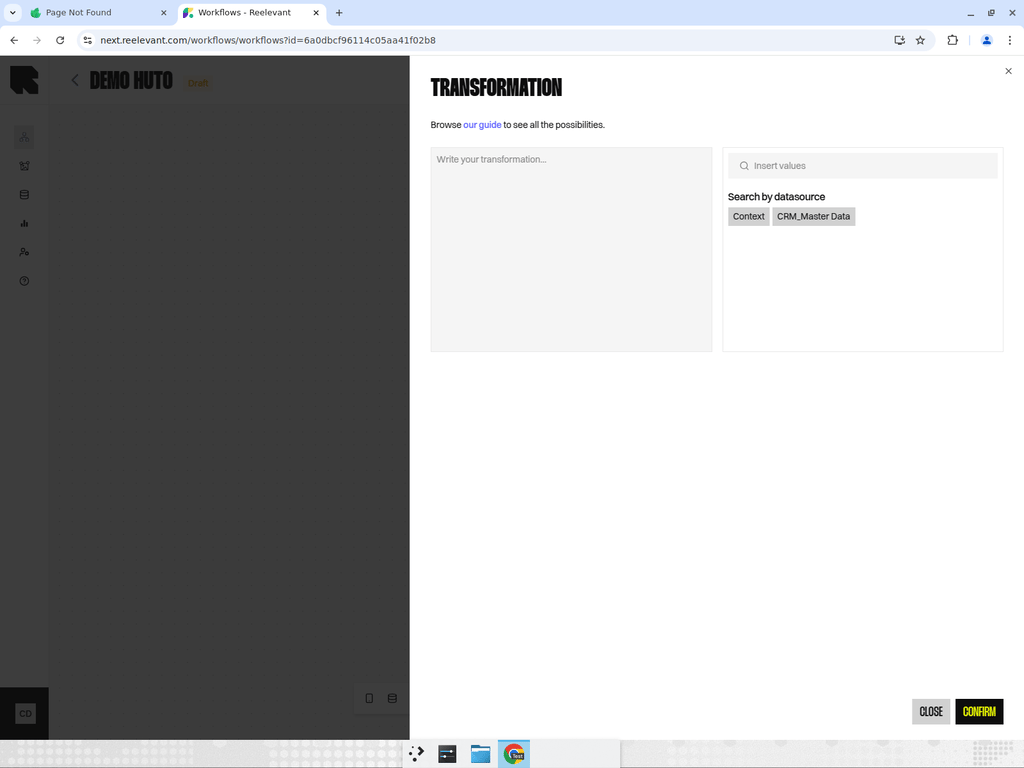
The Transform node applies data transformations to values from other nodes. Transforms let you manipulate, combine, or reformat data within the workflow.How It Works
- Add a Transform node downstream of the data you want to manipulate.
- Select a transformation from the available list.
- Configure the transformation parameters — choose the input field and any options.
- The transformed value becomes available to downstream nodes through the Variable Picker.
Available Transformations
Refer to the Transformations section of the API reference for the full list of available transformations, including:- Text — Case conversion, replace, split, template
- Numbers — Math operations, formatting, rounding
- Dates — Format, parse, difference, add/subtract
- Arrays — Get, intersection, unique, concat
- Encryption — AES decrypt, hash creation
Best Practices
- Chain multiple Transform nodes for complex data manipulations.
- Use transforms to format data before it reaches output nodes — for example, formatting prices or dates.
- Check the Transformations reference for the full list of available operations.