

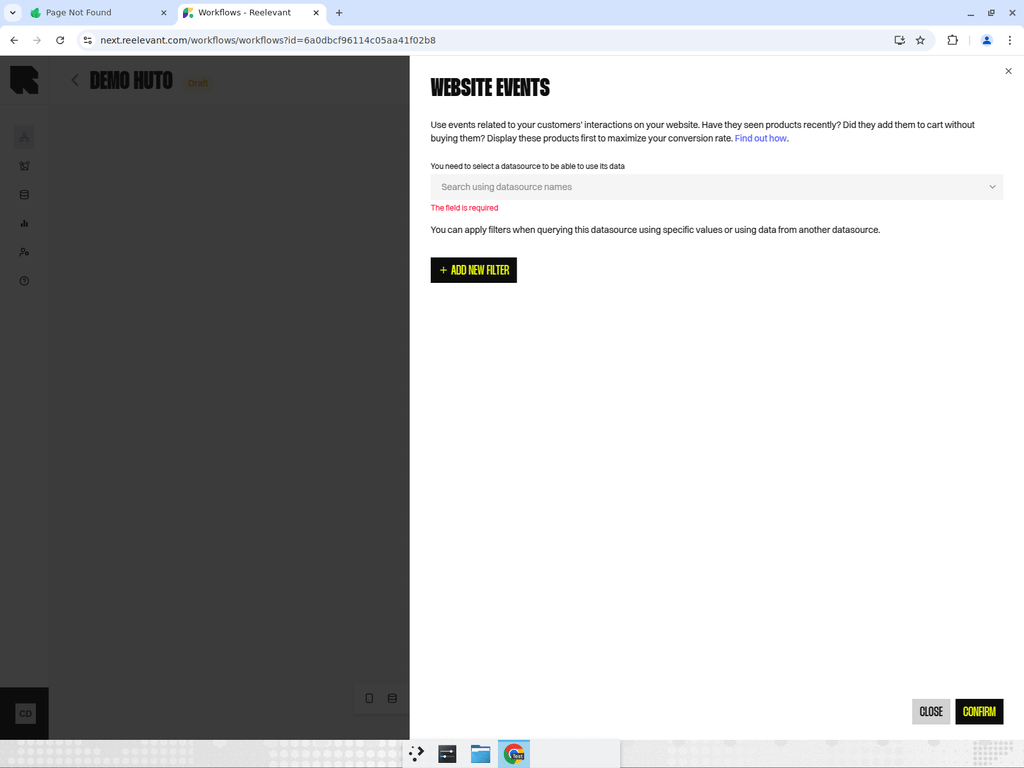
Overview
The Website Events node retrieves user behavior data from your website tracking — pages visited, products viewed, purchases made, and more. Configuration:- User identifier — The field used to identify users, with client ID as fallback.
- Events — Select which website events to include (page views, product views, purchases, etc.).
- Exclude events — Optionally exclude specific events.
- Period — The timeframe to look back for events.
Common Use Cases
- Retargeting — Show products the user has viewed but not purchased.
- Cross-selling — Recommend complementary products based on purchase history.
- Behavioral segmentation — Use conditions to create different experiences based on browsing patterns.
Best Practices
- Choose an appropriate lookback period — too short may miss relevant data, too long may include outdated behavior.
- Use the exclude events option to filter out irrelevant events and keep the data focused.
- Combine with condition nodes to create segments based on event counts or recency.