

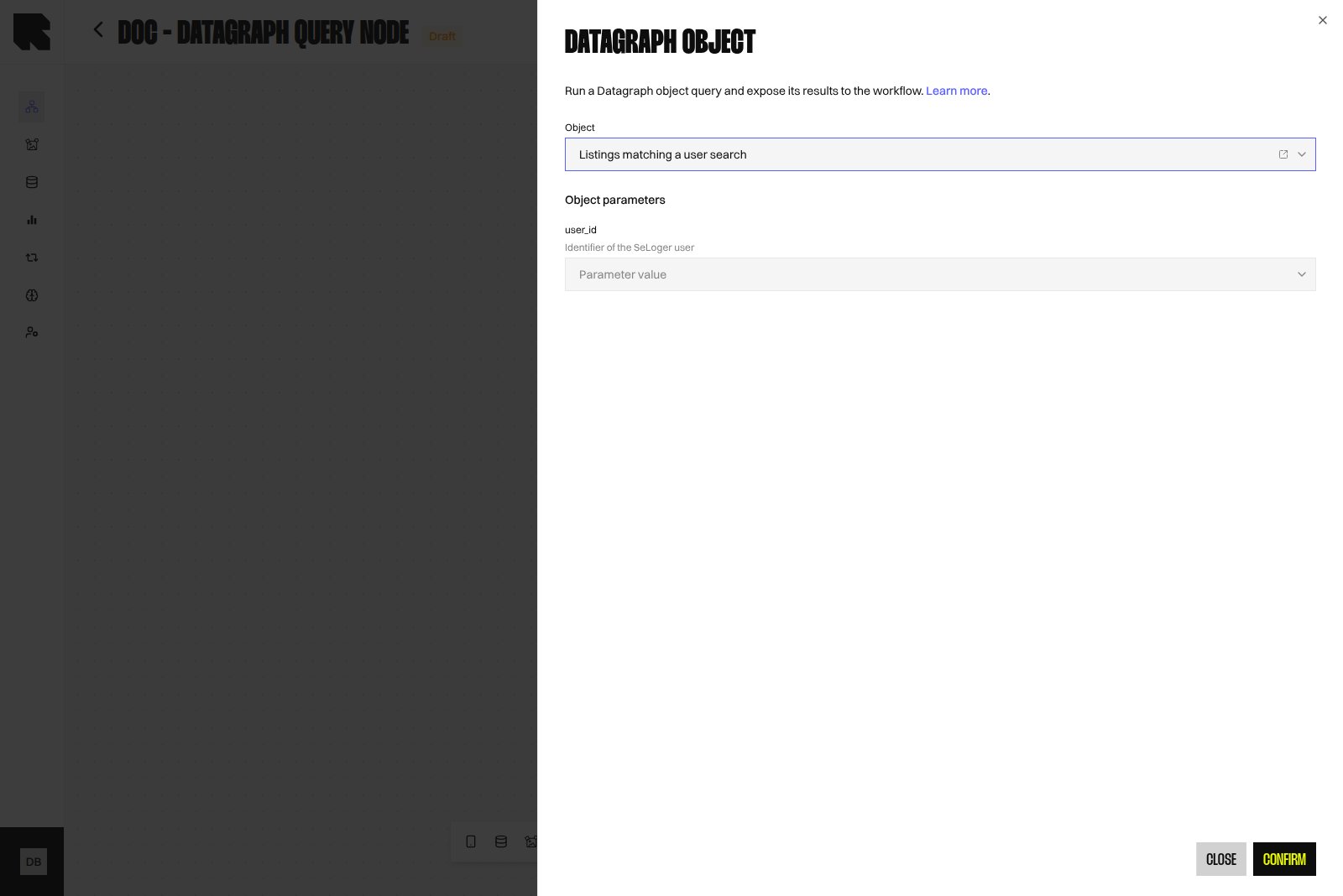
Overview
The Datagraph Object Data Node executes the Live version of a Datagraph Object and exposes the returned rows to downstream Nodes. It is the only way to consume the Datagraph model inside a Workflow. Unlike a Datasource Node, which reads a single Datasource, this Node runs the joined SQL prepared in the Object. Filtering, joining, and ordering therefore live in the Object, not in the Node.Adding the Node
Hover the Data button in the editor toolbar and select Datagraph Object. See Data Nodes for the general procedure.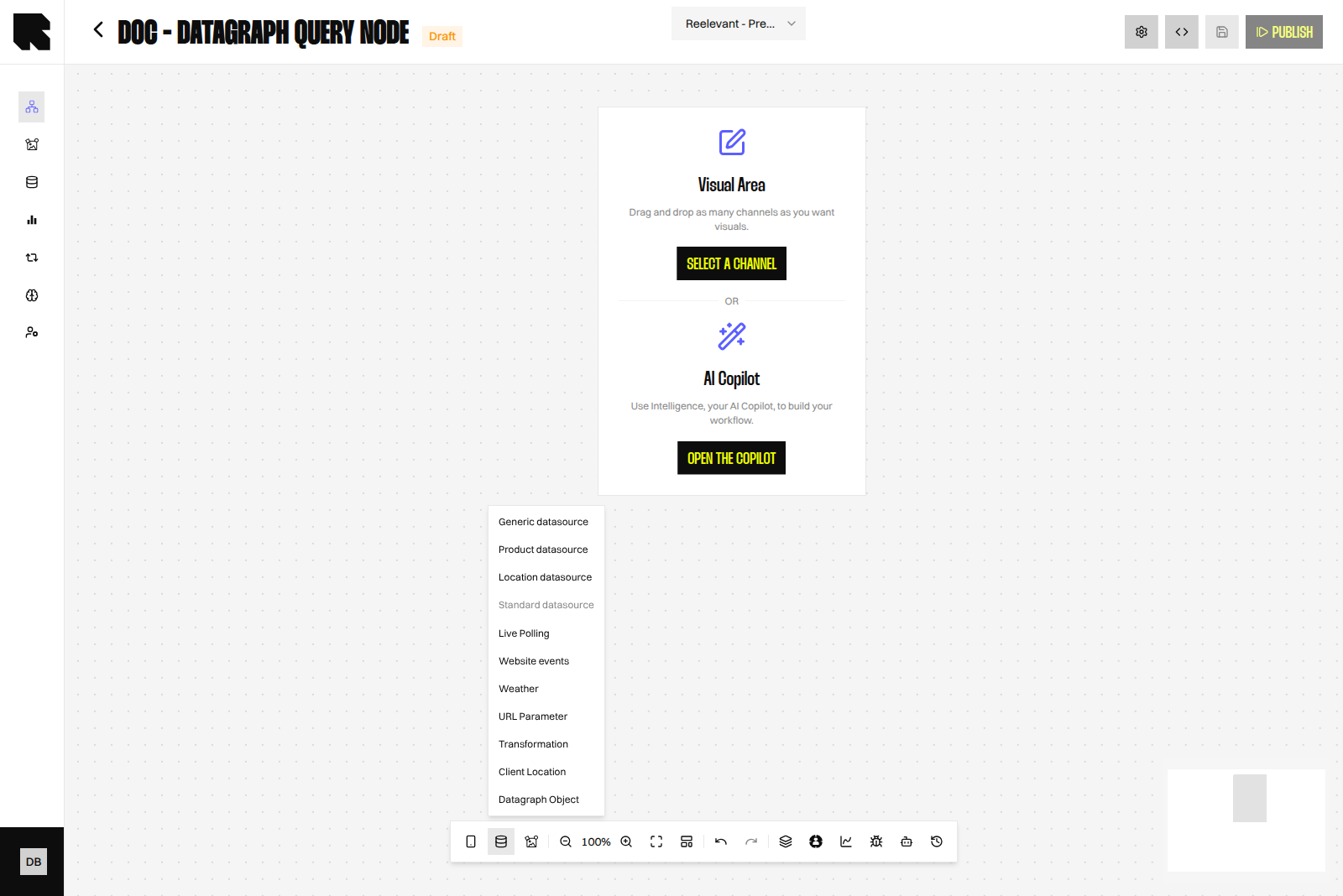
Configuration
The empty selector message is No published object is available yet. Open object in Datahub opens the Object in a new tab and current account scope.
Changing the selected Object clears the parameter values already set, because parameter names belong to the Object definition.
Publishing a new Object version that renames or adds a parameter does not update Nodes already configured. Re-open each Node to bind the new parameters, otherwise mandatory values are missing at execution time.
The optional Result limit field is hidden by default. It appears only when a tech admin enables Datagraph Object: result limit in the Workflows settings → Features tab.
Binding Parameters
Each parameter is bound either to a static value or to a value produced upstream in the Workflow, through the Variable Picker. The input control follows the declared parameter type and shows its short description above the field.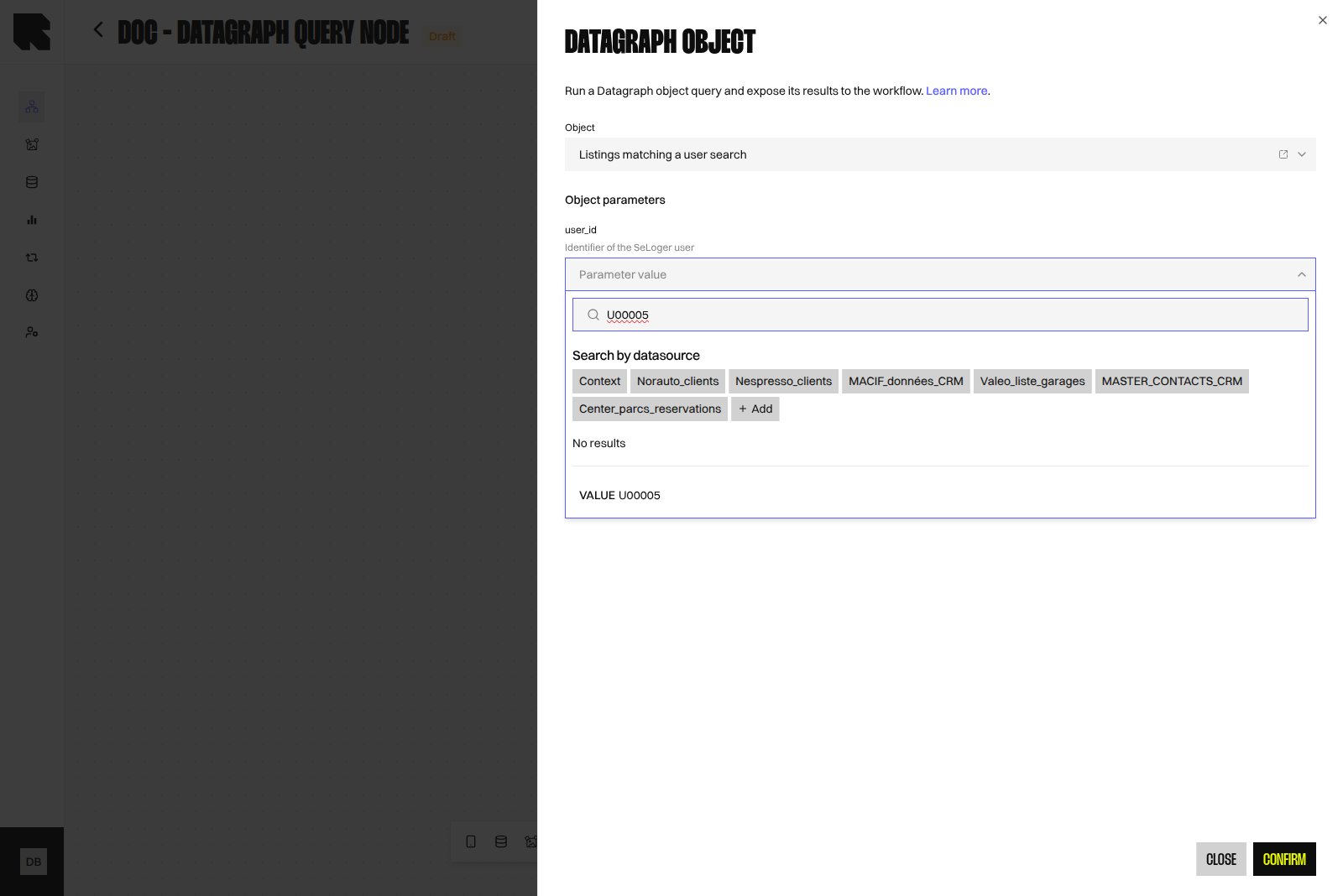
When the Object declares a
client_id parameter and the Workflow resolves exactly one tracked person, that identifier is used for client_id if you left the field empty. Any value you bind explicitly always wins.Suggested Parameter Values
An Object can declare a suggested value and a list of allowed values per parameter — see Suggested values. Only a suggested value pre-fills the matching input: allowed values never fill anything, they only turn the input into a select or multi-select. Pre-fill only applies when you select the Object in the drawer, and only to parameters that are still empty. Values you already set are never overwritten, and an existing Node’s parameters are not re-filled when you open it.
Team attributes are inherited like Team scopes:
- The closest Team wins per attribute.
- A Team’s list replaces the inherited one — lists never merge.
- The climb stops at a Team that excludes ancestor inheritance.
- Two parents at the same level are taken in Team order.
An attribute set on a parent Team is not inherited by a child Team that excludes ancestor inheritance — set it directly on that Team for its Workflows to use it.
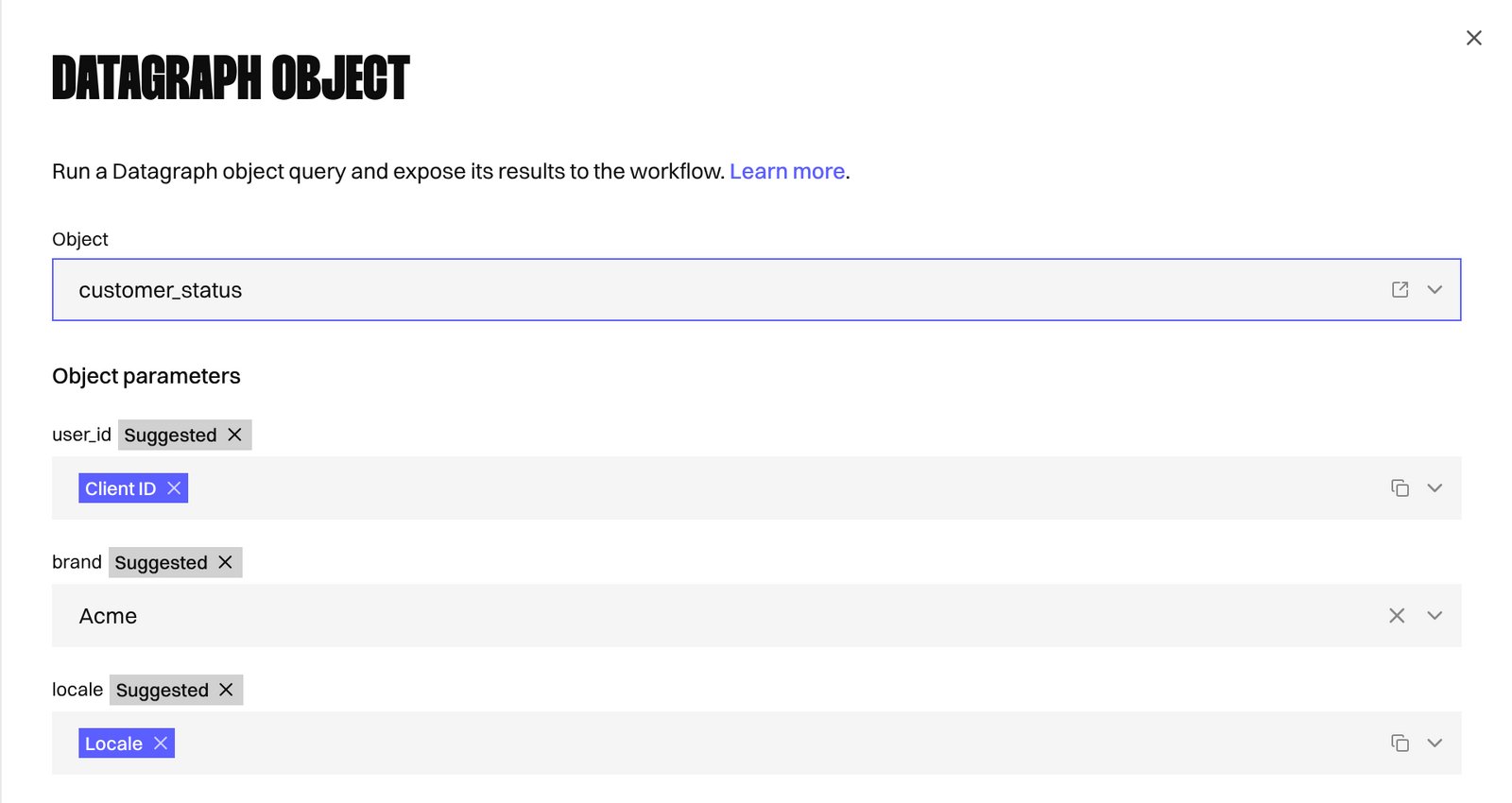
A suggestion only writes a normal parameter value: it changes nothing at execution time.
Example: Team Attributes
Attributes are set per Team in the Team create/edit modal — see Team attributes. Take this Team tree:Europe(parent) setsbrand = [Acme, Acme Pro]andexcluded_categories = [outlet, clearance].France, a child ofEurope, sets no attributes and inherits them.Germany, a child ofEurope, excludes ancestor inheritance and has no attributes.Spain, a child ofEurope, sets its ownexcluded_categories = [outlet]and inherits the rest.
brand (string, suggestion From Team attribute brand) and excluded_categories (string[], suggestion From Team attribute excluded_categories). Pre-fill in a Workflow scoped to each Team:
Output
The Node returns a list of rows. Each row holds the output columns inferred by the Object, with text, numeric, or empty values. Those columns are exposed to downstream Nodes in the Variable Picker, under the name of the Object, and can feed a Content or a Condition. The canvas Node displays the name of the selected Object, so a Workflow using several Objects stays readable.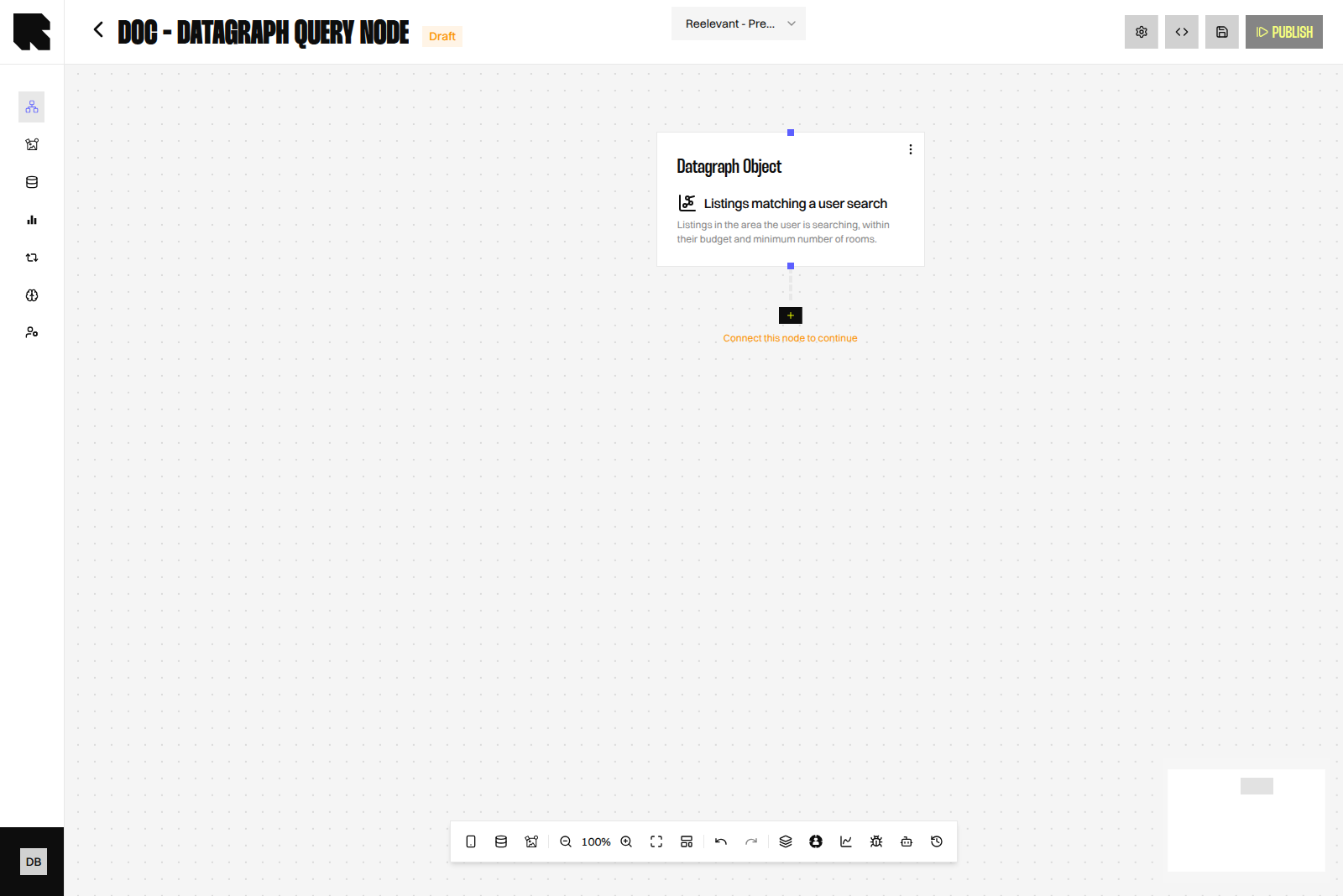
Worked Example
A property listings Datagraph joins users, listings, recommendations, and market prices. The Objectlistings_matching_a_user_search declares one parameter, user_id, and returns one row per matching listing with its reference, surface, city, and price.
In the Workflow:
- A URL Parameter Node captures
user_idfrom the call made by the sending tool. - A Datagraph Object Node selects
listings_matching_a_user_searchand bindsuser_idto that URL Parameter. If enabled, set Result limit to 6. - The Content iterates over the returned rows to build a six-listing block.
Operational Notes
- If the Result limit field is enabled, keep it aligned with what the Content renders. Rows that are fetched but never displayed still cost execution time.
- Test the Object with Run query in the Object editor before wiring it into a Workflow, using the same parameter values.
- Relations with a low join match produce sparse results. Review them in the Relations tab on the Schema page before blaming the Node.
- An Object whose Datasources are protected by row-level filters cannot be executed from a Workflow.
Related
Datagraph Objects
Write the parameterised SQL, infer output columns, and publish an Object.
Datagraph Overview
Understand the model the Objects are built on.