

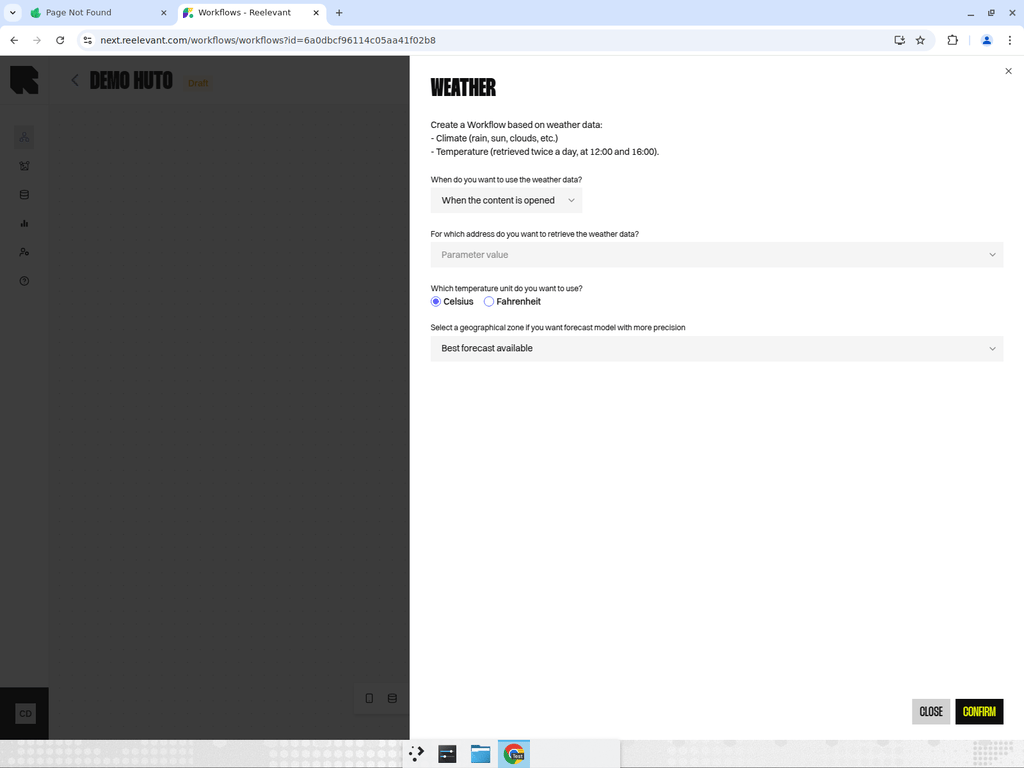
Overview
The Weather node fetches current weather data for the user’s location. It can be used to personalize content based on weather conditions. This node uses data from the Geolocation node to determine the user’s location and then fetches the current weather.Output Data
The Weather node provides:- Temperature — Current temperature.
- Conditions — Weather conditions (sunny, rainy, cloudy, etc.).
- Additional data — Humidity, wind speed, and other meteorological data.
Common Use Cases
- Show umbrellas when it’s rainy and sunglasses when it’s sunny.
- Promote seasonal products based on temperature ranges.
- Display weather-appropriate clothing recommendations.
Best Practices
- Always pair the Weather node with a Geolocation node upstream.
- Use condition nodes downstream to branch based on weather conditions or temperature ranges.
- Consider time zones — weather data reflects the current conditions at the user’s location.