

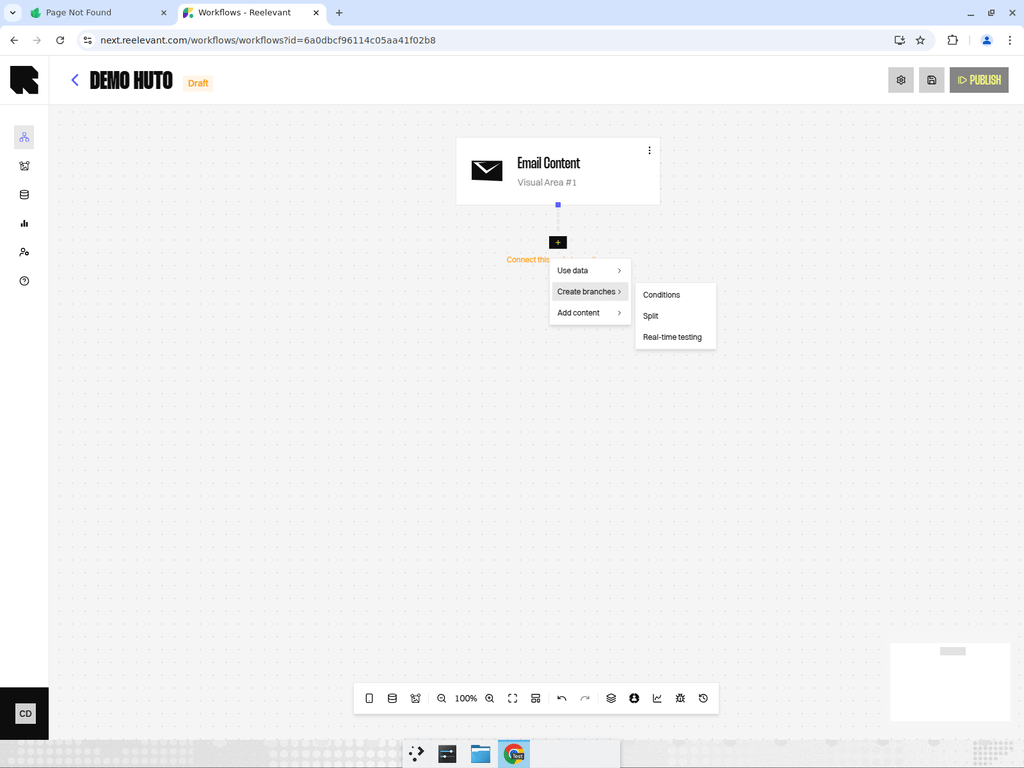
What are Logic Nodes?
Logic nodes control which path a user follows through the workflow. They create branches based on conditions, random splits, or real-time testing rules. This is how you deliver different experiences to different audience segments.Logic Node Types
Conditions
Evaluate rules to decide which branch a user takes.
Split (A/B Testing)
Divide traffic into branches based on population share percentages.
Real-Time Testing
Automated traffic distribution that optimizes over time.
Creating Branches
When you add a logic node, it automatically creates output branches. You can:- Add more branches by clicking “Add” in the condition or split configuration.
- Qualify branches by right-clicking on an edge and selecting “Qualify branch” to assign a branch category.
- Name branches to make the workflow easier to understand.
Best Practices
- Keep conditions simple — Complex nested conditions are harder to debug. Use multiple condition nodes in sequence instead.
- Always have a default branch — Ensure every user gets a response, even if they don’t match any condition.
- Use splits for testing — Run A/B tests with split nodes before committing to a single personalization strategy.
- Document your logic — Use the right-click context menu to add documentation notes to complex logic nodes.