

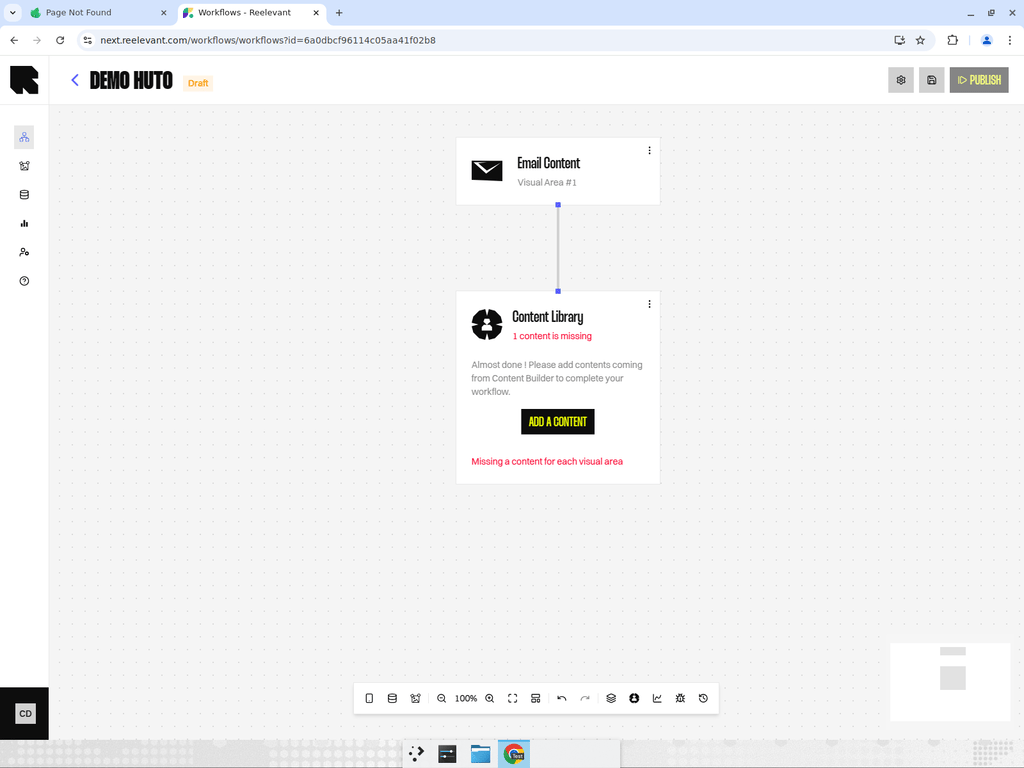
Overview
The most common output type. A visual content output renders a visual template designed in the Content Editor.Configuration
- Click on the content output node to open its configuration drawer.
- Select a content template from your content library.
- The system automatically maps data from upstream data nodes to the content’s dynamic variables.
If upstream data nodes provide fields that match the content template’s dynamic variables, they are automatically bound. If there are mismatches, the editor highlights them as errors during publishing.
How It Works
When the workflow executes and reaches a Visual Content output node, the engine:- Fetches the selected content template.
- Binds data from upstream nodes to the template’s dynamic variables.
- Renders the final visual (image or HTML depending on the channel type).
- Returns the rendered content to the user.
Best Practices
- Design your content templates with clear variable names that match your datasource fields.
- Use the preview feature to verify how the content looks with real data before publishing.
- If the same template is used across multiple branches, each branch can bind different data to the same variables.