Overview
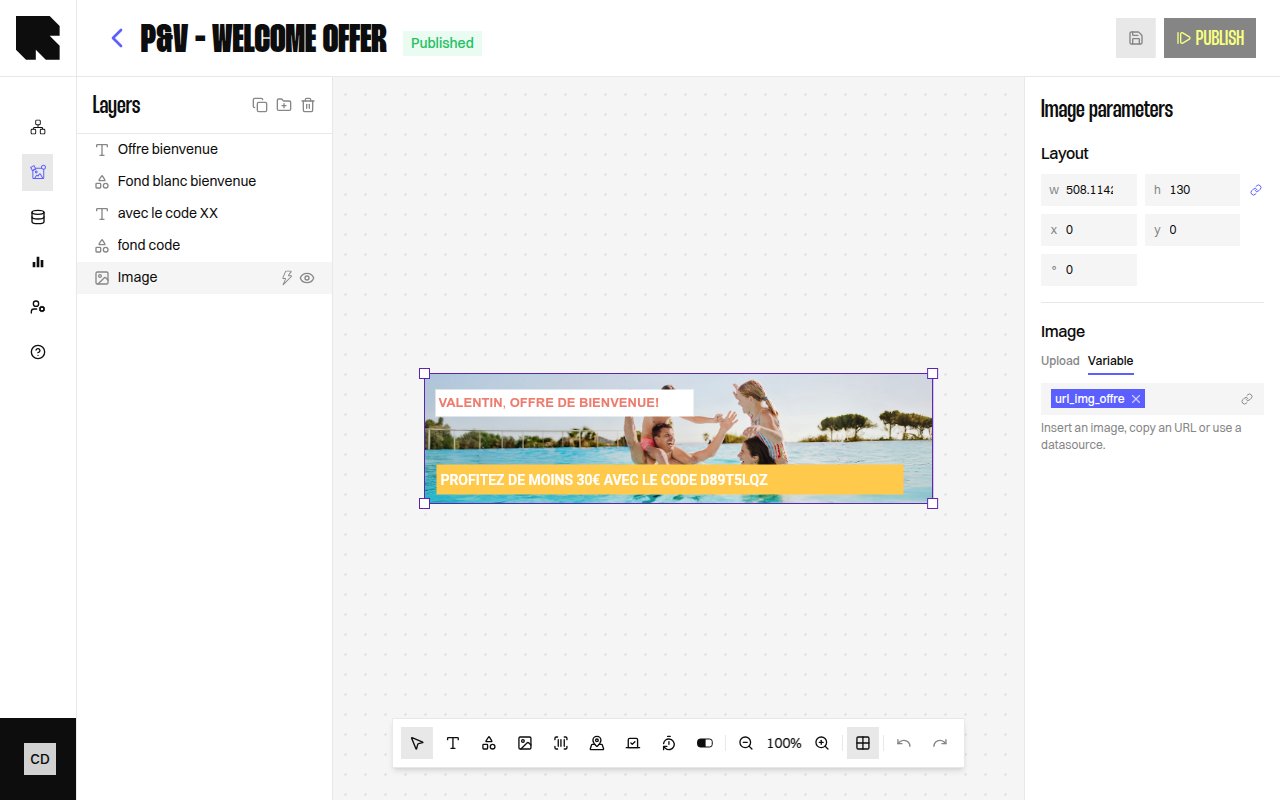
The Image component displays static or dynamic images in your content template. Images can come from a direct upload, a pasted URL, or a datasource variable that resolves to an image URL at render time.
| Property | Value |
|---|
| Toolbar button | Images |
| Supports data binding | Yes — image URL |
| Supports conditions | Yes |
Image Parameters
| Property | Description |
|---|
| Image | Upload an image file (PNG, JPG, GIF) or configure a URL. |
| Variable | Bind the image URL to a datasource variable using the variable picker. |
Only PNG, JPG, and GIF formats are supported for image uploads.
Configuration
| Property | Description |
|---|
| Position | X and Y coordinates on the canvas. |
| Size | Width and height with optional Keep aspect ratio toggle. |
| Rotation | Rotation angle in degrees. |
| Redirection link | URL users navigate to when clicking the image. |

