

Overview
The Web Image channel renders a personalized image for display on websites. The output is a dynamically generated image that can be embedded in any web page.| Property | Value |
|---|---|
| Channel type | Web |
| Output format | Website image |
| Use case | Hero banners, sidebar recommendations, personalized widgets |
How It Works
When a visitor loads a page containing a Reelevant Web Image zone, the workflow executes in real time. The engine evaluates the user’s context and returns a personalized image. The image is served as a standard<img> tag, making it compatible with any website or CMS.
Configuration
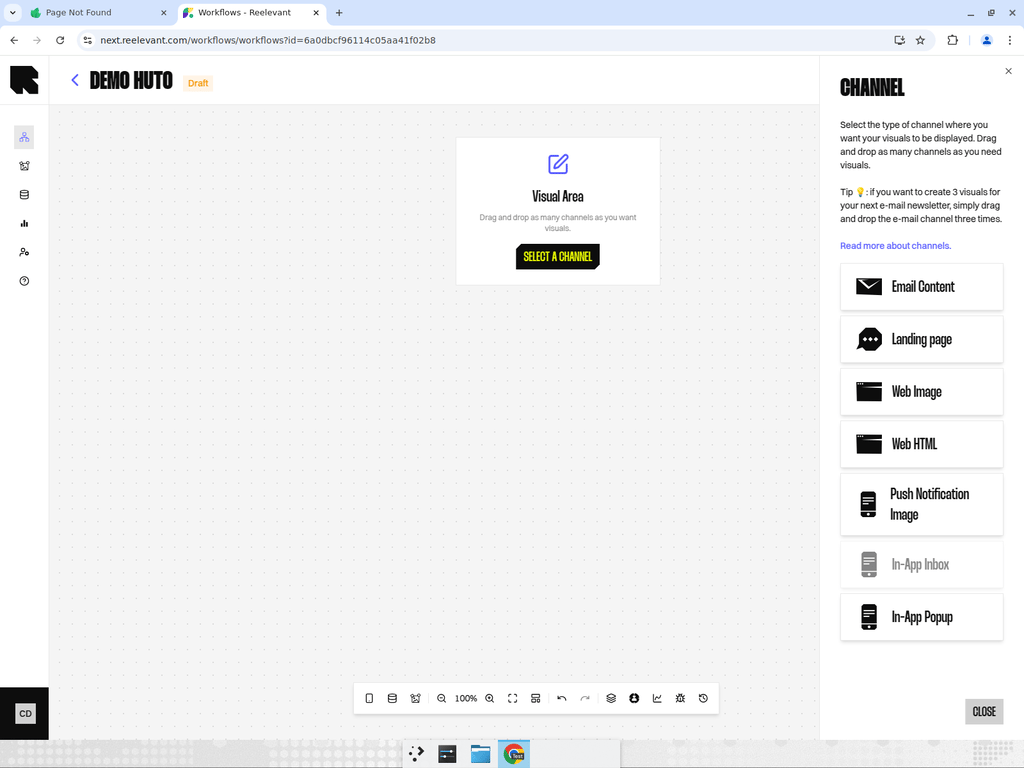
- Add a Web Image channel node to your workflow canvas.
- Connect it downstream to your personalization logic.
- After publishing, use the Integration modal to get the image embed URL.
Best Practices
- Web Image is ideal for scenarios where you need a single visual element that adapts to each user.
- For interactive or responsive content, consider using Web HTML instead.
- Use URL parameters to pass page context (e.g., product category, user segment) into the workflow.