

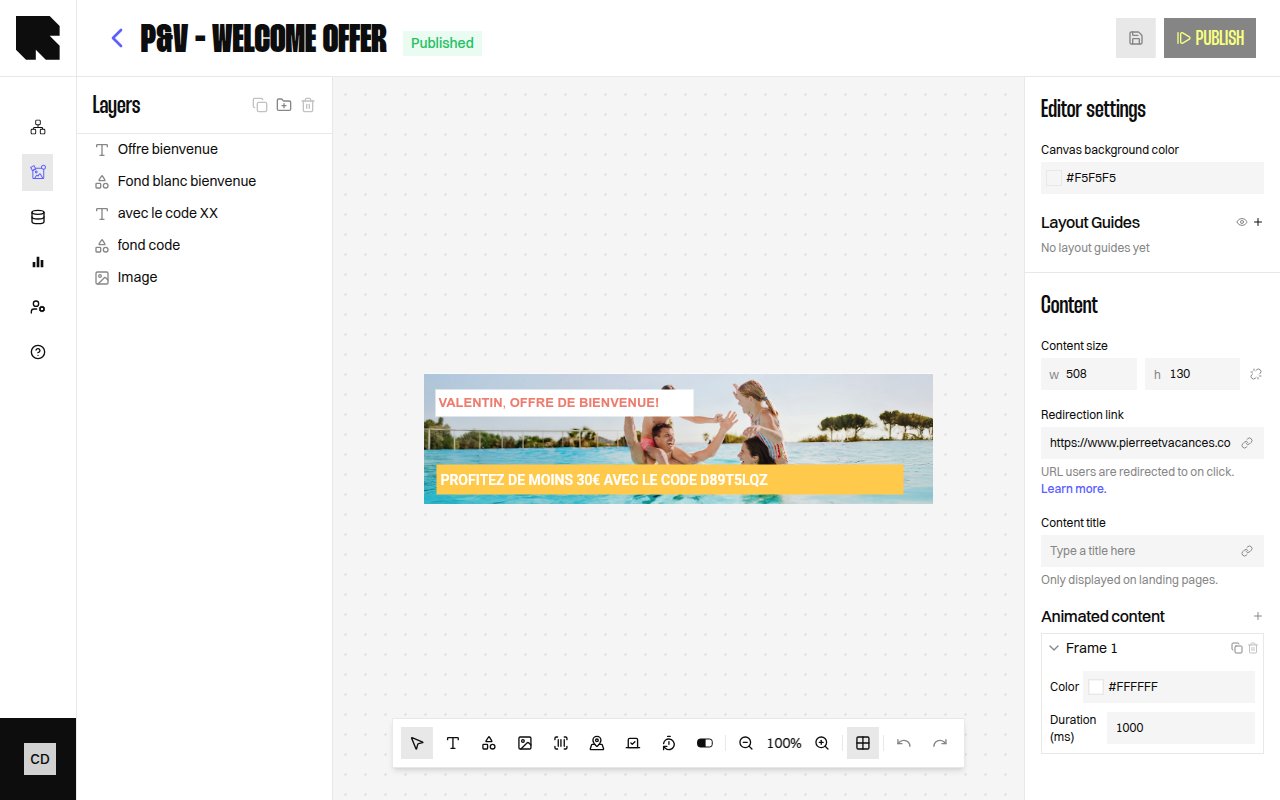
Component Types
Components are the building blocks of your content templates. Each component type serves a specific purpose and has its own configuration options.Text
Rich text with styling, dynamic variables, and transformations.
Image
Static or data-bound images from URLs or datasources.
Shapes
Rectangle, Circle, and Triangle with fill, stroke, and border radius.
Barcode
Code128 and EAN barcodes with configurable values.
Countdown
Animated countdown timers to a target date.
Map
Google Maps with configurable markers, zoom, and style.
Progress Bar & Arc
Visual progress indicators with current/max values.
Shared Configuration
All components share these common configuration properties:| Property | Description |
|---|---|
| Layout | X position, Y position, Width, Height of the component on the canvas. |
| Size | Width and height with an optional Keep aspect ratio toggle. |
| Rotation | Rotation angle in degrees. |
| Appearance | Background color, opacity, and other visual properties. |
| Redirection link | A URL that users navigate to when clicking the component. Can be static or data-bound. |
| Conditions | Visibility rules based on data values. See Conditions. |