

Availability
Experiments are activated on request: contact your Reelevant contact.Experiment types
A Global holdout keeps part of your audience on the non-personalised experience. This helps you measure the value personalisation adds.
Experiments listing
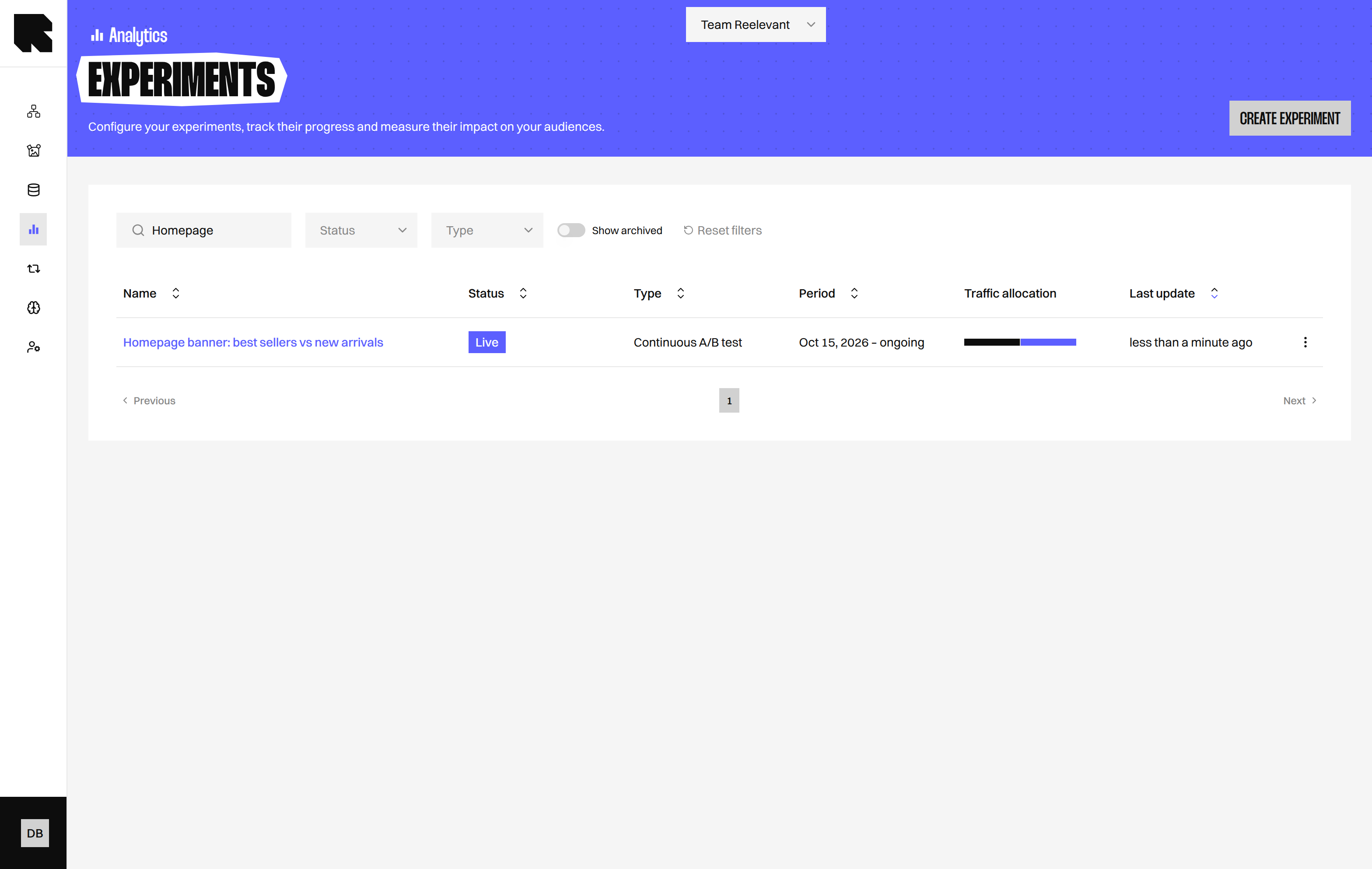
Open Analytics and select Experiments to see your experiments.
Select Show archived to include archived experiments. Select Create experiment to begin.
Create an experiment
- In the Experiments listing, select Create experiment.
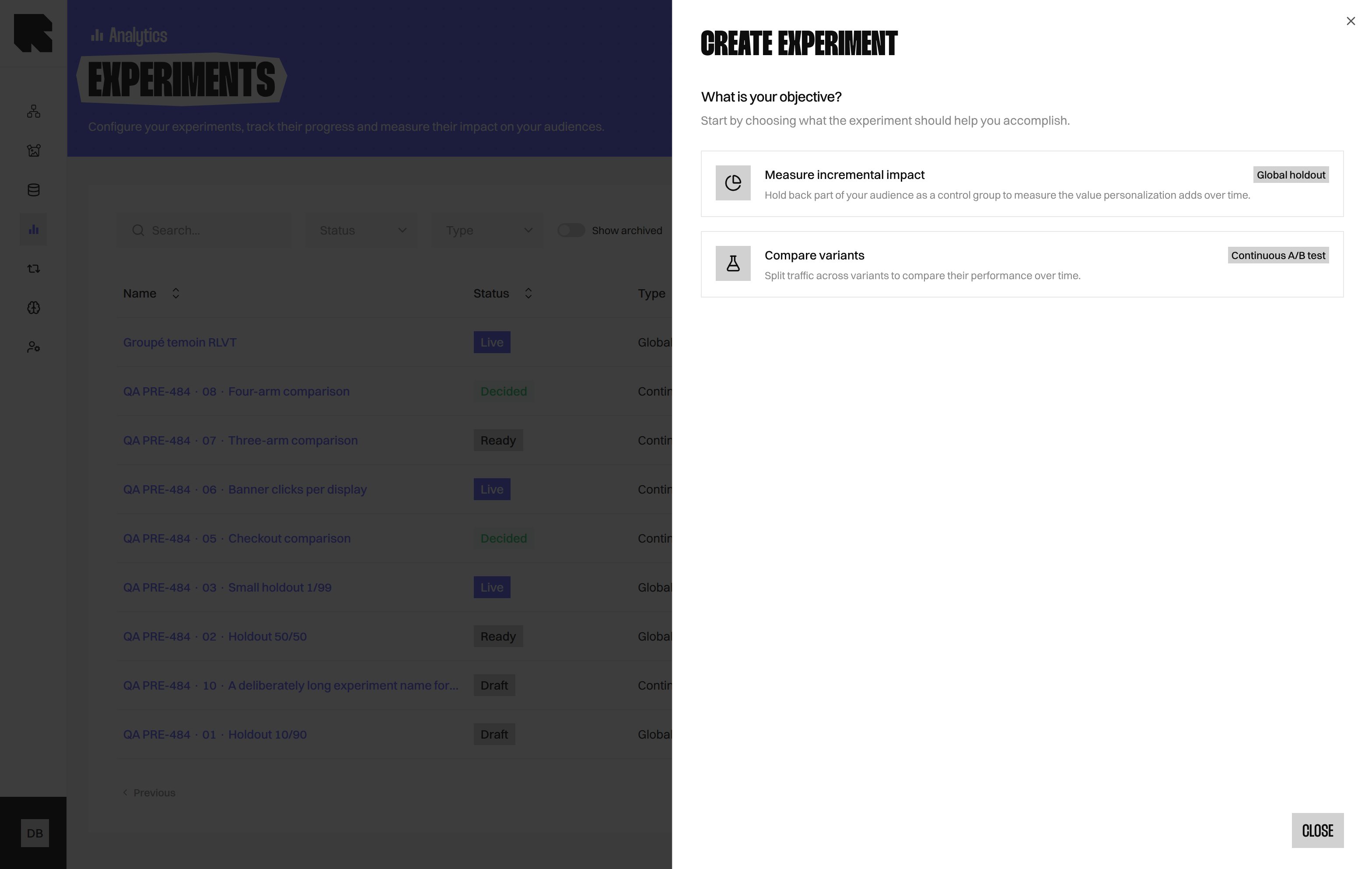
- Under What is your objective?, choose Measure incremental impact or Compare variants.
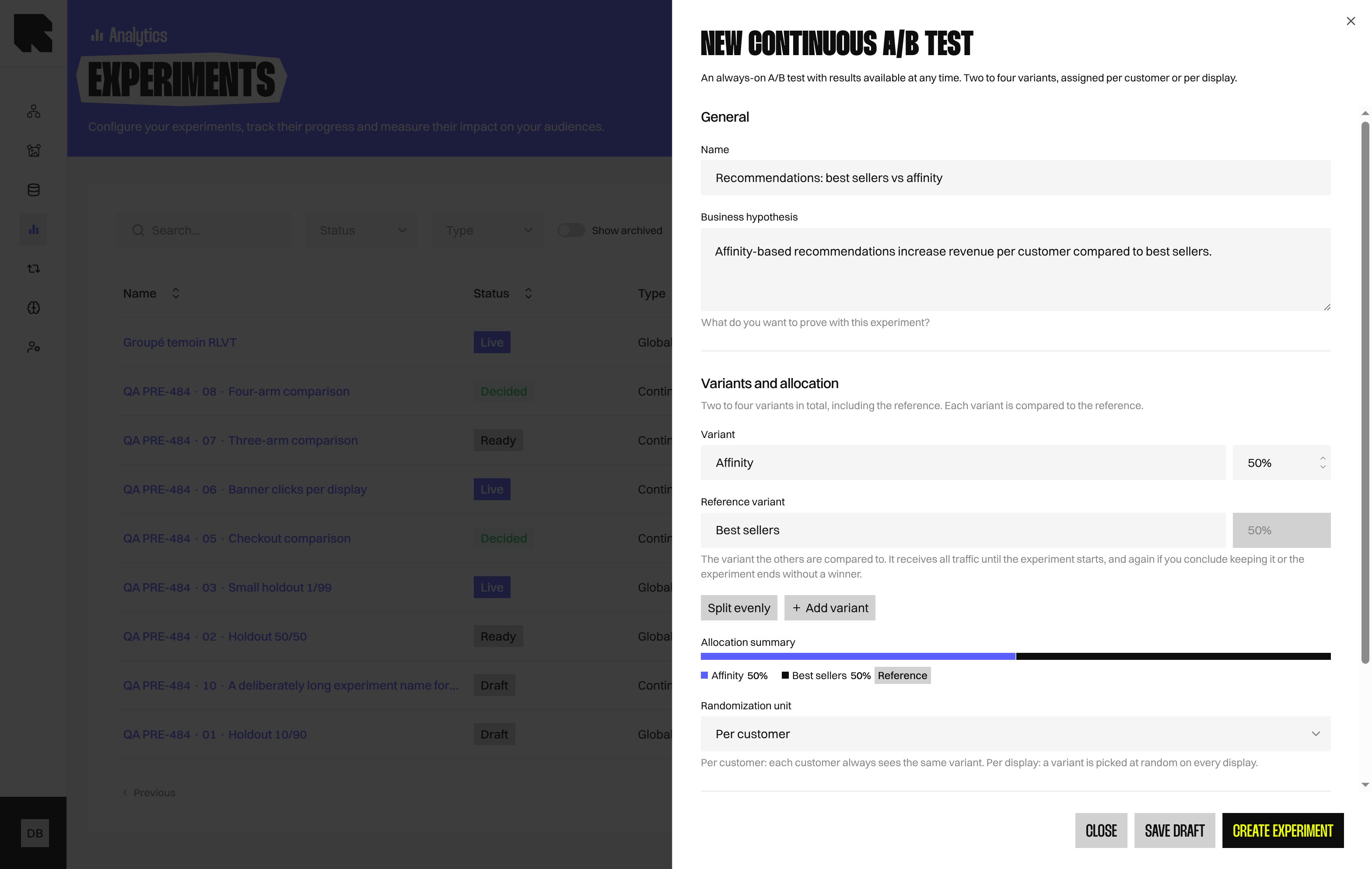
- In General, enter a Name and Business hypothesis.
- In Variants and allocation, name your Variants and set their Allocation.
- In Measurement, choose a Randomization unit and one Success metric.
- Select Create experiment to validate it as Ready, or Save draft to finish later.
Lifecycle
Validate or return to draft
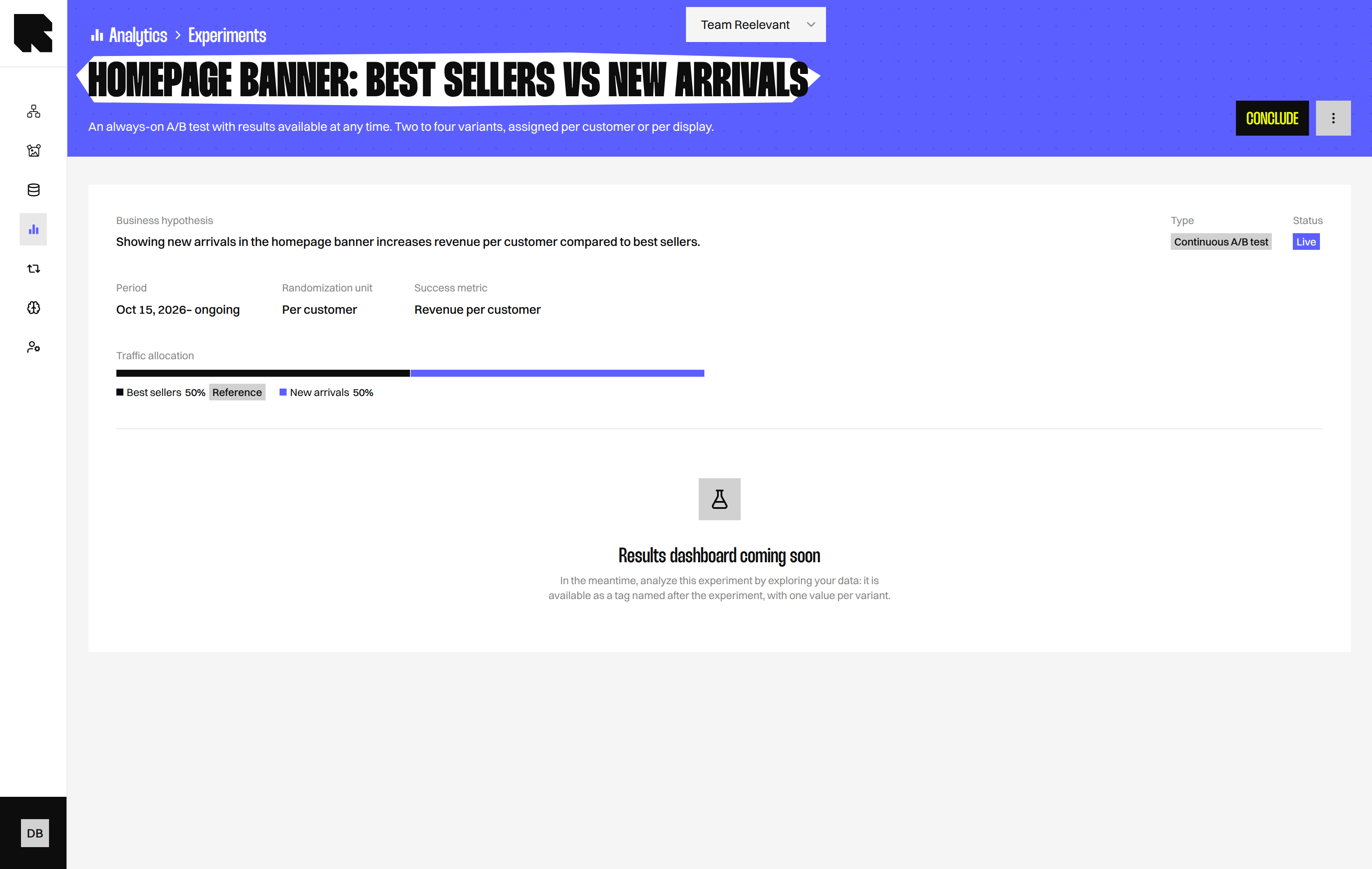
Select Validate configuration to move a draft to Ready. Select Back to draft to return a Ready Experiment to Draft. Detach the Experiment from its Workflows before moving it back to Draft. While a Draft or Ready Experiment is used by a Workflow, you cannot add or remove Variants. Everything else stays editable until you start it.Start
Select Start to begin the Experiment manually. Starting locks its Variants, Allocation, Randomization unit, and Success metric. If no Workflow uses the Experiment, a warning appears. The Experiment receives no traffic until a Workflow uses it.Conclude
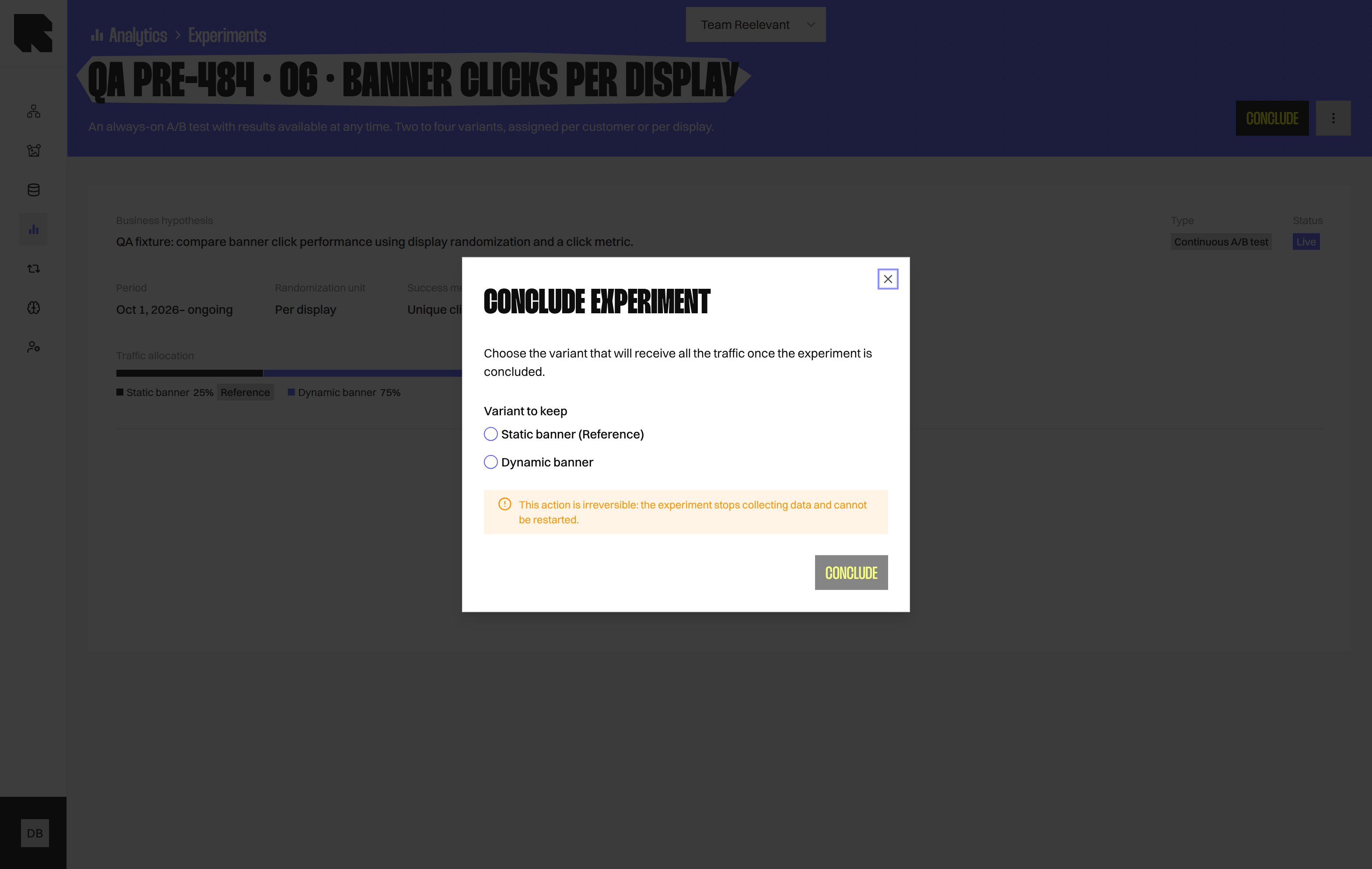
Archive
Select More actions > Archive, then type the confirmation word.Clone
Select Clone to create a new draft named with “(copy)”.Read experiment data
The Experiment page shows Results dashboard coming soon. Meanwhile, open Data Exploration. Your Experiment appears as a tag named after it, with one value for each Variant. Add Tag: as a dimension to compare Variants. See Measures and Dimensions for help choosing fields. These figures are not statistically validated.Coming soon
The results dashboard and statistical significance are coming soon. Scheduled start and automatic end dates are also coming soon.What’s Next?
Experiment Node
Use an Experiment in a Workflow.
Data Exploration
Explore your analytics data.
Logic Nodes
Learn about Workflow Logic Nodes.