

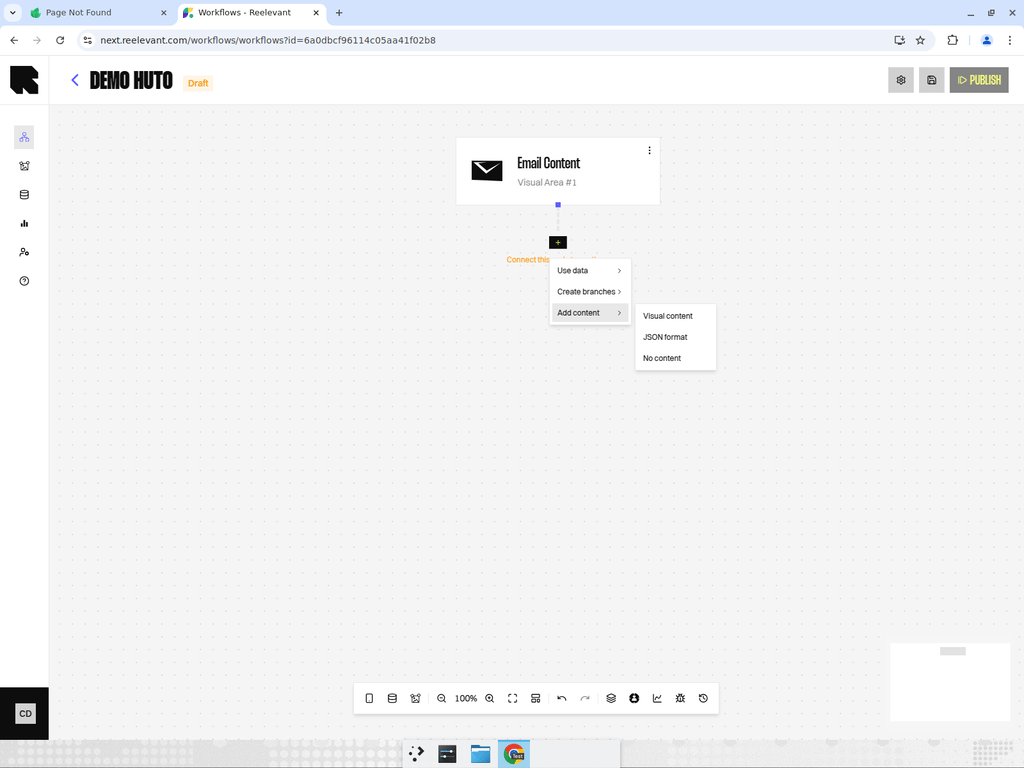
Overview
The Empty output returns an empty response. This is used for branches where you intentionally don’t want to show any content.Use Cases
- Control groups in A/B tests — Show nothing to measure the impact of personalization.
- Fallback branches where no relevant content is available.
- Testing scenarios where you want to measure engagement without content.
How It Works
When the workflow executes and reaches an Empty output node, no content is returned. The visual zone either remains blank or displays the default content defined in your integration (e.g., a static fallback image in the email template).Best Practices
- Use Empty outputs in Split nodes to create control groups for measuring the lift of personalization.
- Ensure your integration handles empty responses gracefully — for example, by showing a fallback image or hiding the zone entirely.
- Track the performance of Empty branches in analytics to compare against personalized branches.