

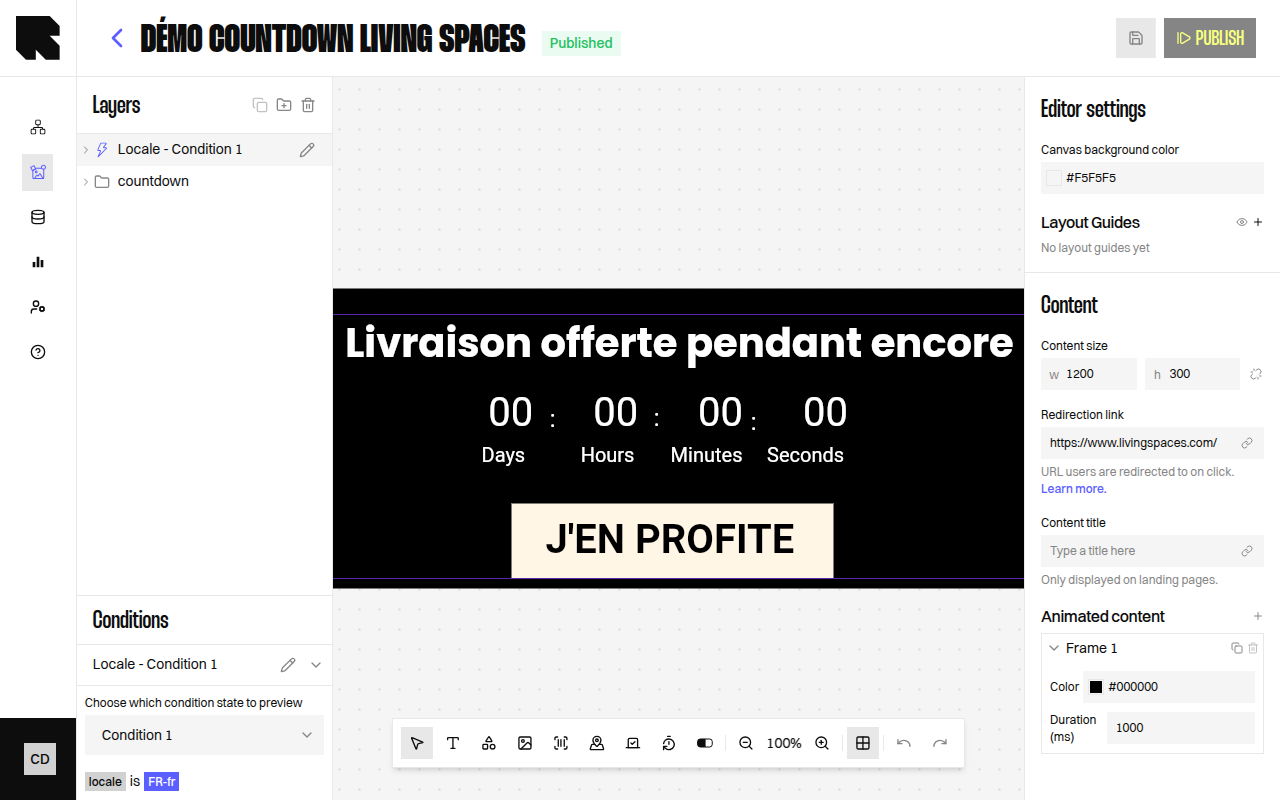
Overview
The Countdown component displays a live countdown timer that counts down to a target date. It is ideal for limited-time promotions, event launches, and flash sales.Countdown Parameters
Local Timezone
Enable Use user’s local timezone to adjust the countdown end date for each viewer automatically. Without this option, a countdown set to “15 Jan at 18:00 UTC” ends at 19:00 for a user in Paris (UTC+1) and at 03:00 the next morning in Tokyo (UTC+9). With the option enabled, the countdown ends at 18:00 local time for everyone — so both the French and Japanese users see it expire at 6pm in their own timezone.Some email clients pre-fetch or cache images. That can freeze the countdown at fetch time. See Email client caching and proxies.