

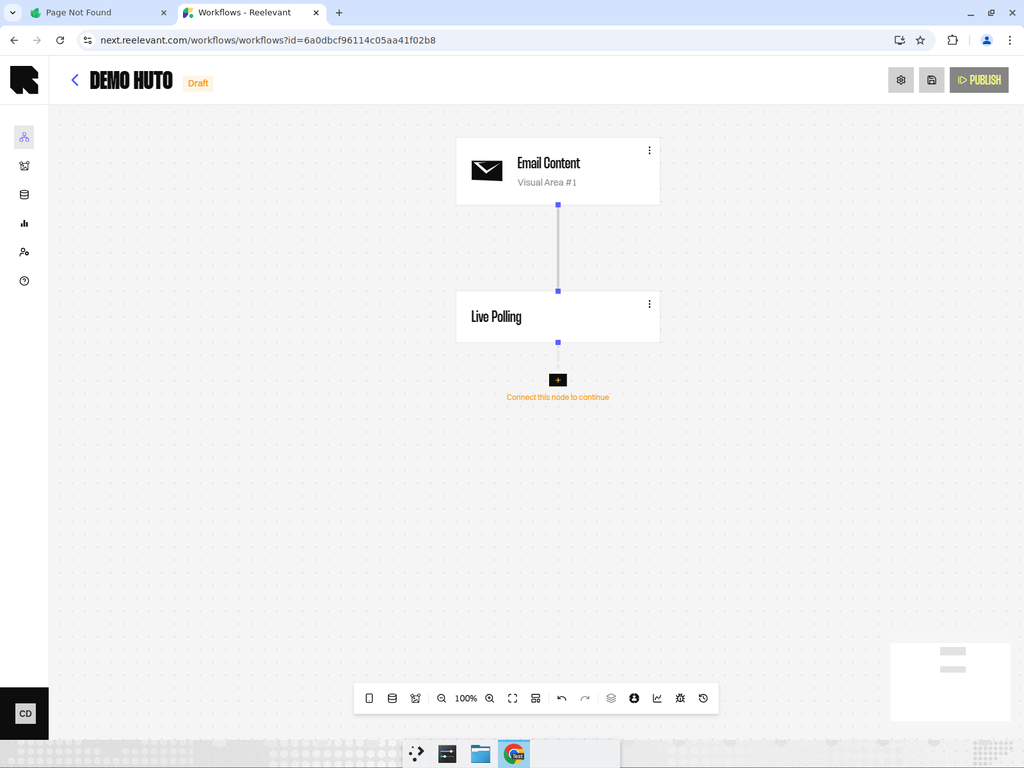
Overview
Live Polling shows the current click share for a Branch in your Content. It updates when the image is fetched, so the value reflects that moment.How it works
In the Content Editor
You add Live Polling through Workflow → Live polling. The Live poll preset adds an image and a text component. The text component binds to the live percentage and adds a percent sign.Good to know
See Data Binding for how Content uses workflow values.
See Email client caching and proxies for accuracy caveats.
What’s Next?
Data Binding
Connect Live Polling to text, images, and other Content properties.
Data Nodes
Compare Live Polling with the other Data Nodes.
Email client caching and proxies
See why some inboxes can show a frozen value.