

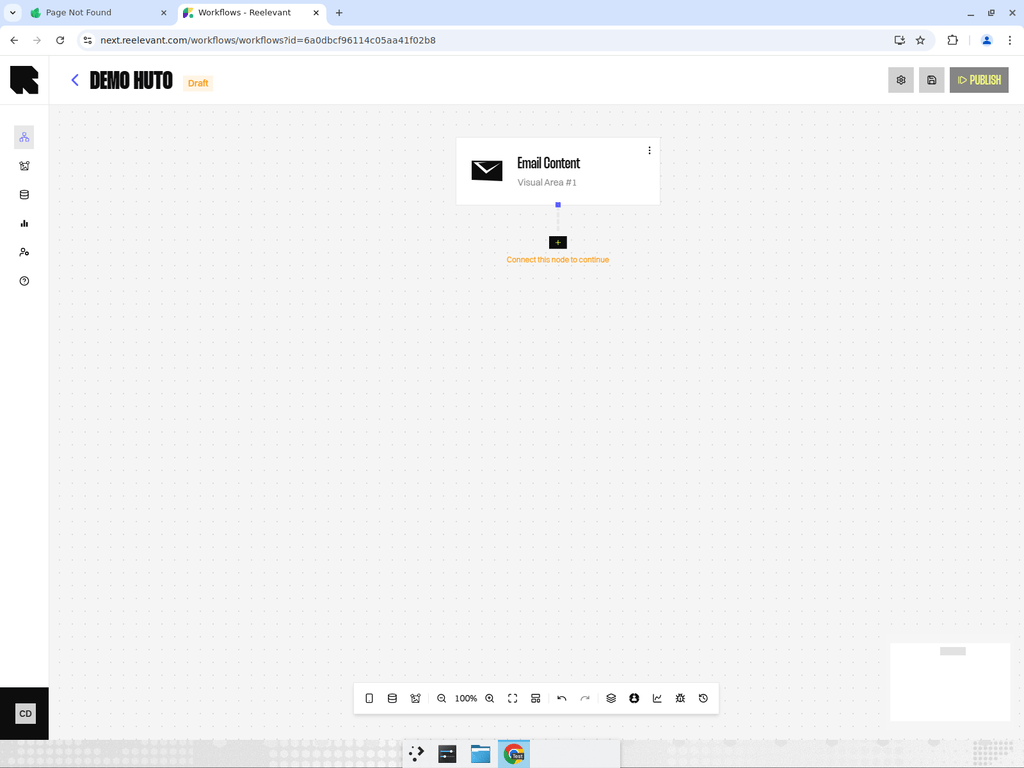
Overview
The Email channel renders a personalized visual for inclusion in email campaigns. It is the most commonly used channel type.How It Works
When a user opens an email containing a Reelevant visual zone, the workflow is triggered in real time. The engine evaluates the workflow branches and returns the most relevant content for that specific user. The rendered output is an image that is served dynamically at the moment the email is opened — ensuring the content is always up to date and personalized.Configuration
- Add an Email channel node to your workflow canvas.
- Connect it downstream to data nodes, logic nodes, and an output node.
- After publishing, use the Integration modal to get the embed code for your email template.
Best Practices
- Use multiple Email channels if your email has several personalized zones (e.g., header banner, product grid, footer recommendation).
- Connect each channel to different data and logic branches if the zones require independent personalization logic.
- Test your email workflows with the preview feature before publishing to ensure the visual renders correctly across email clients.