

Overview
The Push Notification Image channel renders a personalized image for rich push notifications on mobile devices.How It Works
When your app sends a push notification that includes a Reelevant visual zone, the workflow executes and returns a personalized image. This image is displayed as the rich media attachment in the push notification.Where Push Notifications Appear
A push notification can be displayed on three different surfaces. They do not offer the same level of personalisation.
There are two ways to personalise a lock screen notification:
- Personalised visual, fixed text — the notification text is written once in the campaign, and the image link is a Reelevant link, so each person sees a visual built for them. This is the quickest setup.
- Personalised visual and text — your push platform asks Reelevant for the content of each notification before sending it, so the wording changes per person too. This needs work on your side, described in the push integration guide.
In-app scenes and the notification centre follow the same pattern as e-mail: a personalised visual replaces a fixed image. See In-App Popup and In-App Inbox.
Configuration
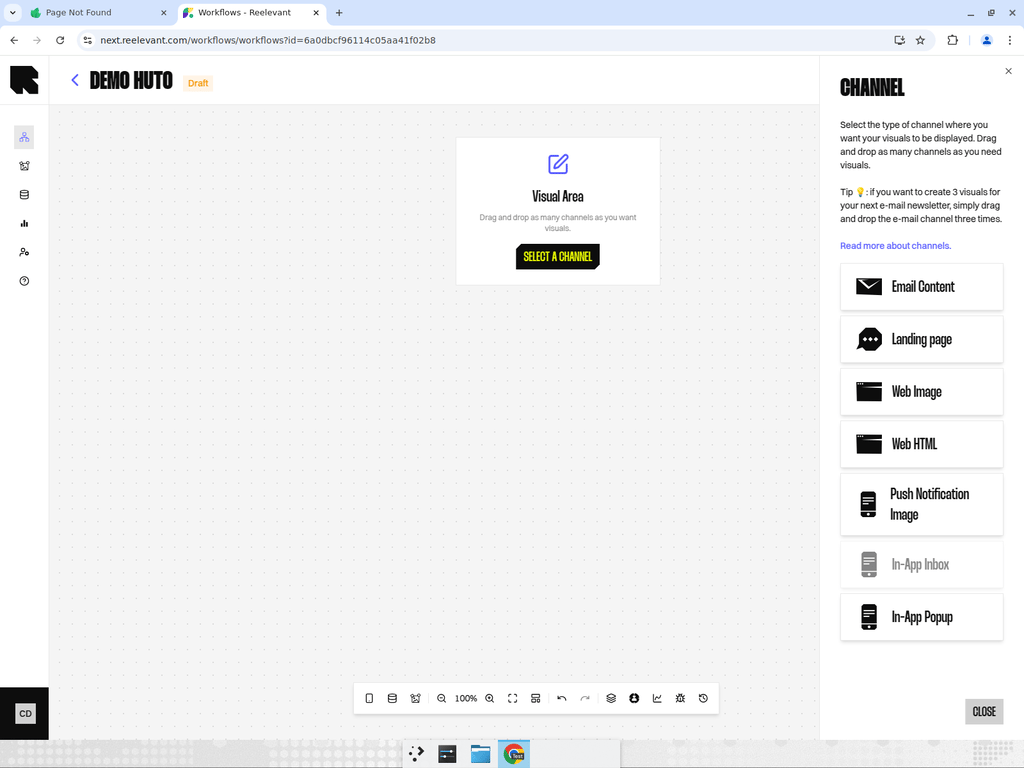
- Add a Push Notification Image channel node to your workflow canvas.
- Connect it downstream to your personalization logic.
- After publishing, use the Integration modal to get the image URL for your push notification service.
Best Practices
- Keep push notification images concise and impactful — they are viewed at small sizes on mobile screens.
- Use URL parameters to pass user identifiers from your push notification service into the workflow.
- Test the image rendering on both iOS and Android devices, as display sizes may vary.
What’s Next?
Push integration guide
Set up each surface, and see what data mobile browsing brings to your Workflows.
In-App Popup
Personalise banners and pop-ups shown inside the app.
Measurement
See which mobile figures Reelevant reports.