

Overview
The In-App Popup channel renders a personalized image for in-app popup overlays. The image is displayed as a modal overlay within your mobile application.How It Works
When your app triggers an in-app popup event, the workflow executes and returns a personalized image. This image is displayed as a popup overlay within the app.Configuration
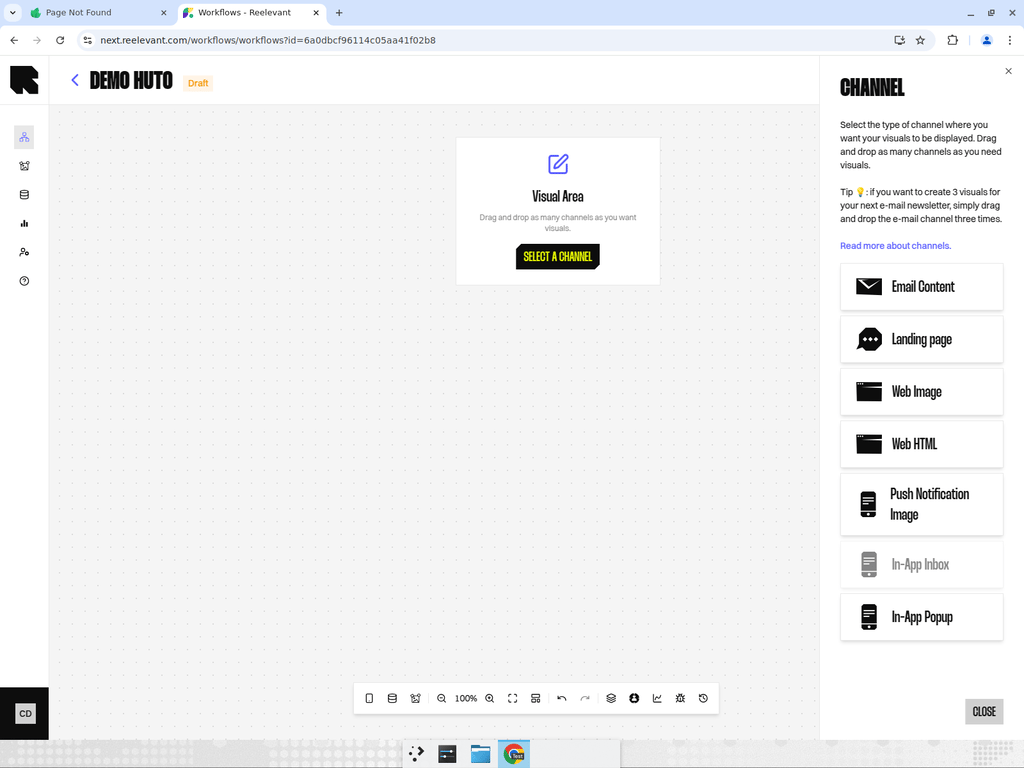
- Add an In-App Popup channel node to your workflow canvas.
- Connect it downstream to your personalization logic.
- After publishing, use the Integration modal to get the integration URL for your mobile SDK.
Measurement
Reelevant estimates how many people were exposed to an in-app visual, and counts the clicks on it. That exposure figure is an estimate, above 95% of the real number, not an exact count. See Messaging and mobile measurement.Best Practices
- Use popups sparingly to avoid disrupting the user experience.
- Target popups based on user behavior or context (e.g., after a purchase, on first app launch).
- Design popup content to be immediately actionable with a clear call-to-action.