

Overview
The Landing Page channel generates a full landing page experience. The output is a complete HTML page served on a dedicated URL.How It Works
When a user visits the landing page URL, the workflow executes and returns a fully rendered HTML page. The page content is personalized based on the user’s context and any URL parameters passed. Each landing page gets its own unique URL that can be shared in campaigns, emails, or social media.Configuration
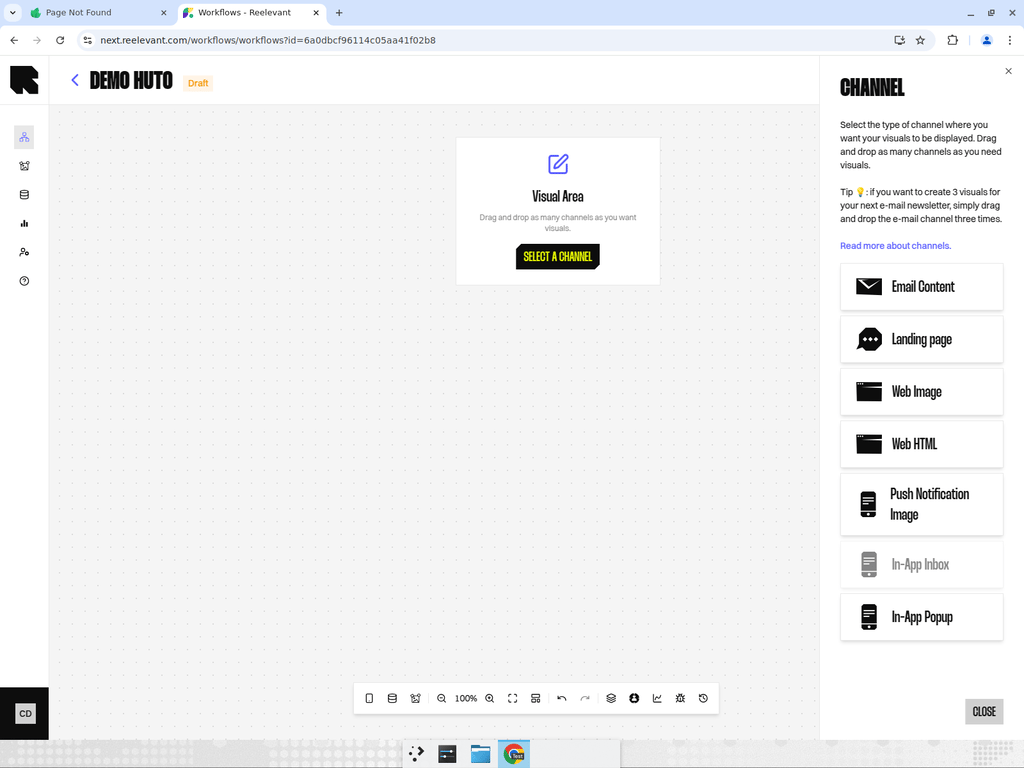
- Add a Landing Page channel node to your workflow canvas.
- Connect it downstream to your personalization logic.
- After publishing, use the Integration modal to get the landing page URL.
Best Practices
- Use URL parameters to pass campaign context (e.g., UTM tags, user identifiers) into the workflow.
- Landing pages support full-page content templates designed in the Content Editor.
- Consider using Variable profiles to pre-configure URL parameter templates for different campaigns.