

Overview
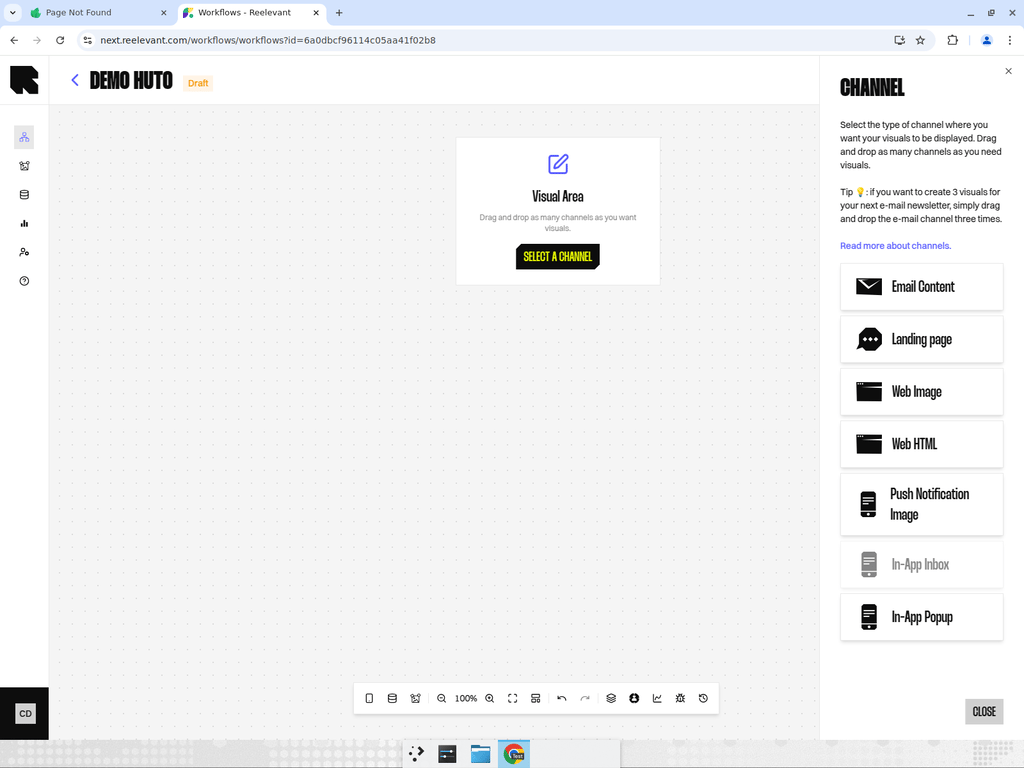
The In-App Inbox channel renders a personalized image for the in-app inbox or message center. This is used to populate personalized content in a notification-style inbox within your mobile app.How It Works
When your app loads the inbox/message center, the workflow executes and returns personalized images for each inbox item. Each item can be independently personalized based on the user’s context.Configuration
- Add an In-App Inbox channel node to your workflow canvas.
- Connect it downstream to your personalization logic.
- After publishing, use the Integration modal to get the integration URL for your mobile SDK.
Measurement
Reelevant estimates how many people were exposed to an inbox visual, and counts the clicks on it. That exposure figure is an estimate, above 95% of the real number, not an exact count. See Messaging and mobile measurement.Best Practices
- Inbox items persist longer than popups, so design content that remains relevant over time.
- Use different data nodes and logic branches to create variety in inbox content.
- Consider time-based conditions to refresh inbox content periodically.