

Overview
Building an RCS campaign works like building an e-mail campaign. You create the Workflow, publish it, and give the resulting link to your messaging platform, which places the visual in the RCS message. See Messaging Channels for the general pattern.
The RCS Channel is greyed out until it is enabled for your account. Ask your Reelevant contact to activate it.
Configuration
1
Add an RCS Channel
Add one RCS Channel per card you want to personalise. A three-card carousel needs three Channels.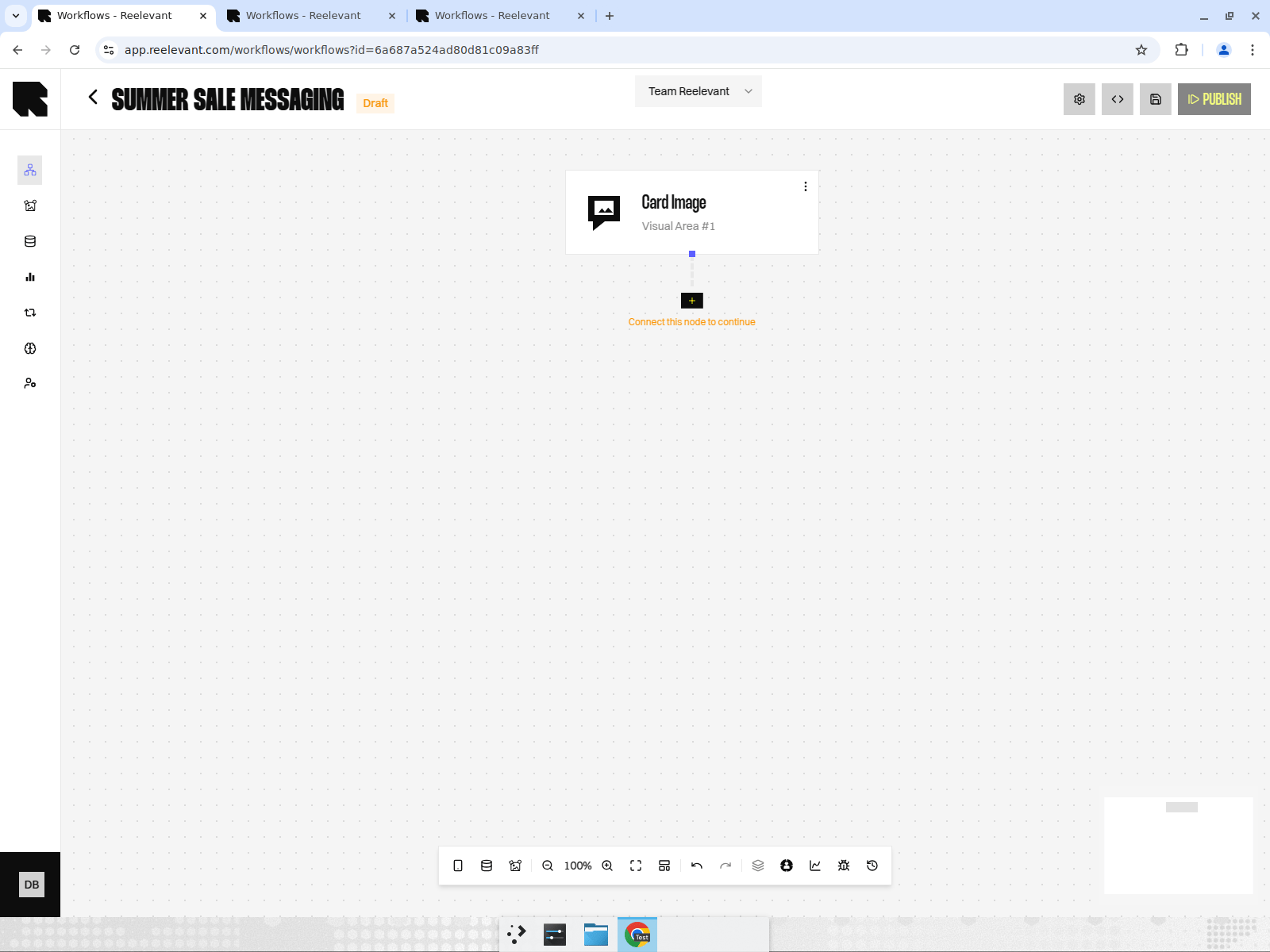
2
Build the personalisation
Connect Data Nodes and Logic Nodes as usual, then end each Branch with a Visual Content Output Node.
3
Design for the carousel format
Create the Content at the dimensions your messaging platform requires for RCS cards. Card visuals are much smaller than e-mail banners, so keep one message per card.
4
Hand over the links
Copy each link from the Integration modal and give them to your messaging platform, which inserts them in the RCS message.
Known Limitations
Design around it: put the personalised message inside the visual, where you control it, and keep the button label neutral (“See the selection”).Phones that do not support RCS receive a rich SMS instead. Ask your messaging platform which fallback it applies, and check that your visual still makes sense in that format.
Measuring RCS
Reelevant counts displays and clicks on the content it serves, exactly as for e-mail. It cannot count clicks on the button added by the messaging platform. To get the full picture, add the two sources together: the Reelevant figures and the figures from your messaging platform. See Messaging and mobile measurement.What’s Next?
Do the same in WhatsApp conversations.
Measurement
See what is measured, and what is not.
Integration
Get the link for your messaging platform.