

Overview
The Web HTML channel renders a responsive HTML partial for embedding in web pages. Unlike Web Image, the output is interactive HTML that adapts to the container size.How It Works
When a visitor loads a page containing a Reelevant Web HTML zone, the workflow executes and returns a responsive HTML snippet. This snippet is injected into the page via a JavaScript tag. The HTML output supports clickable elements, hover effects, and responsive layouts — making it suitable for interactive personalization.Configuration
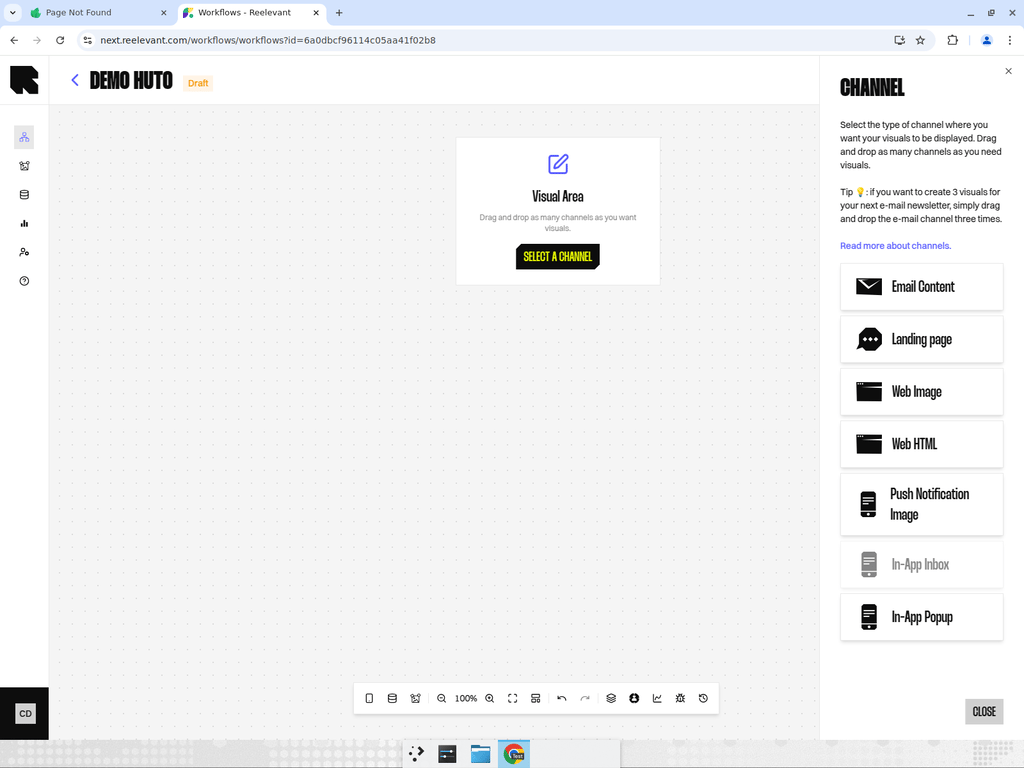
- Add a Web HTML channel node to your workflow canvas.
- Connect it downstream to your personalization logic.
- After publishing, use the Integration modal to get the JavaScript embed code.
Best Practices
- Use Web HTML for content that needs to be responsive or interactive (e.g., product carousels, clickable grids).
- For simple static visuals, Web Image may be simpler to integrate.
- Test responsive behavior across different viewport sizes before publishing.